PostBase Vision
58
5.2 Date
The system clock automatically sets the date for metering on the current date for the
meter imprint. You can forward the date for the meter imprint to meter mail pieces for
shipment in the next few days today. PostBase Vision does not allow unauthorized
entries, e.g. a meter date that is too far ahead or backdating.
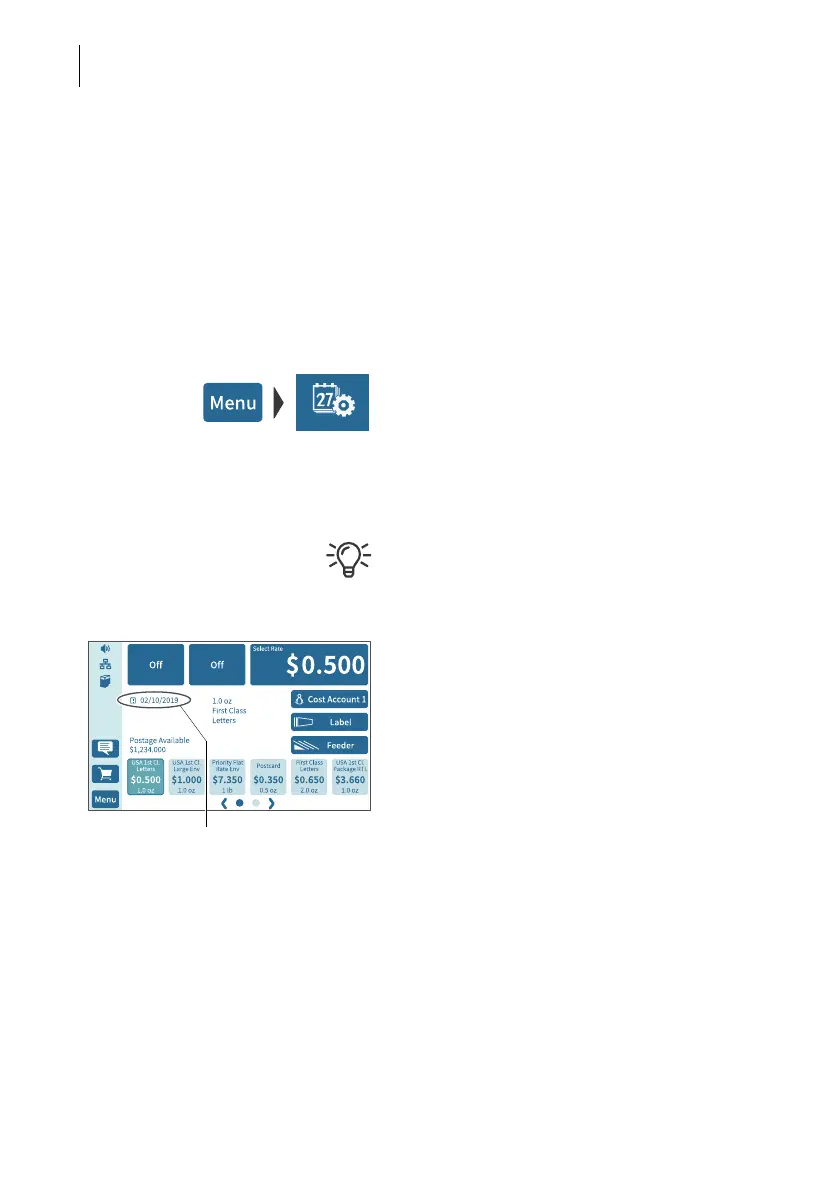
You can see the currently set date in the Home screen.
Setting the metering date
• Open the M
ENU.
• Choose C
HANGE DATE.
PostBase Vision opens the setting menu for
the metering date.
• Type the desired date.
You can use |<< to reset the metering data to
the current date.
• Confirm the displayed date with OK.
If the date is in the future, an icon appears
before the set date.



 To Next Page