Manage shortcuts
91
10.2 Renaming a shortcut
When a shortcut is saved, PostBase Vision automatically issues a name. This name
is generated from the selected mailing data and may in some cases not fit on the but-
ton. You can easily change the names of the shortcuts.
• Open the M
ENU.
• Choose M
ANAGE SHORTCUTS.
• Choose R
ENAME.
• Tap on the shortcut you want to change.
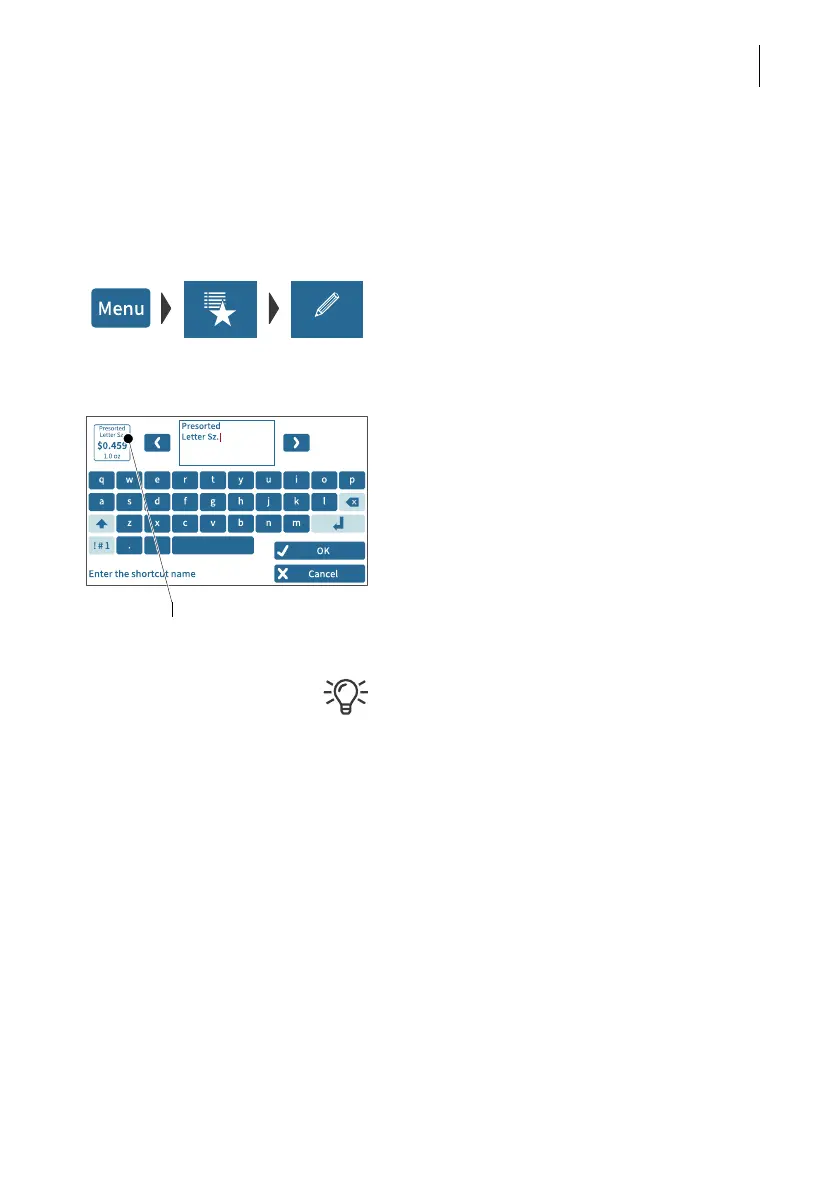
PostBase Vision opens the on-screen
keyboard. The text field shows the shortcut
name.
• Enter the desired name.
The preview (top left) shows how the new
name will appear on the shortcut.
• Confirm with OK.
For information on how to use the on-screen
keyboard, please refer to chapter 4.3.7 on
page 45.



 To Next Page