Metering
79
6.5.2 Redate
If the meter imprint shows an incorrect date, you can print a correction with the new
mailing date on the non-address side of the already metered mail piece.
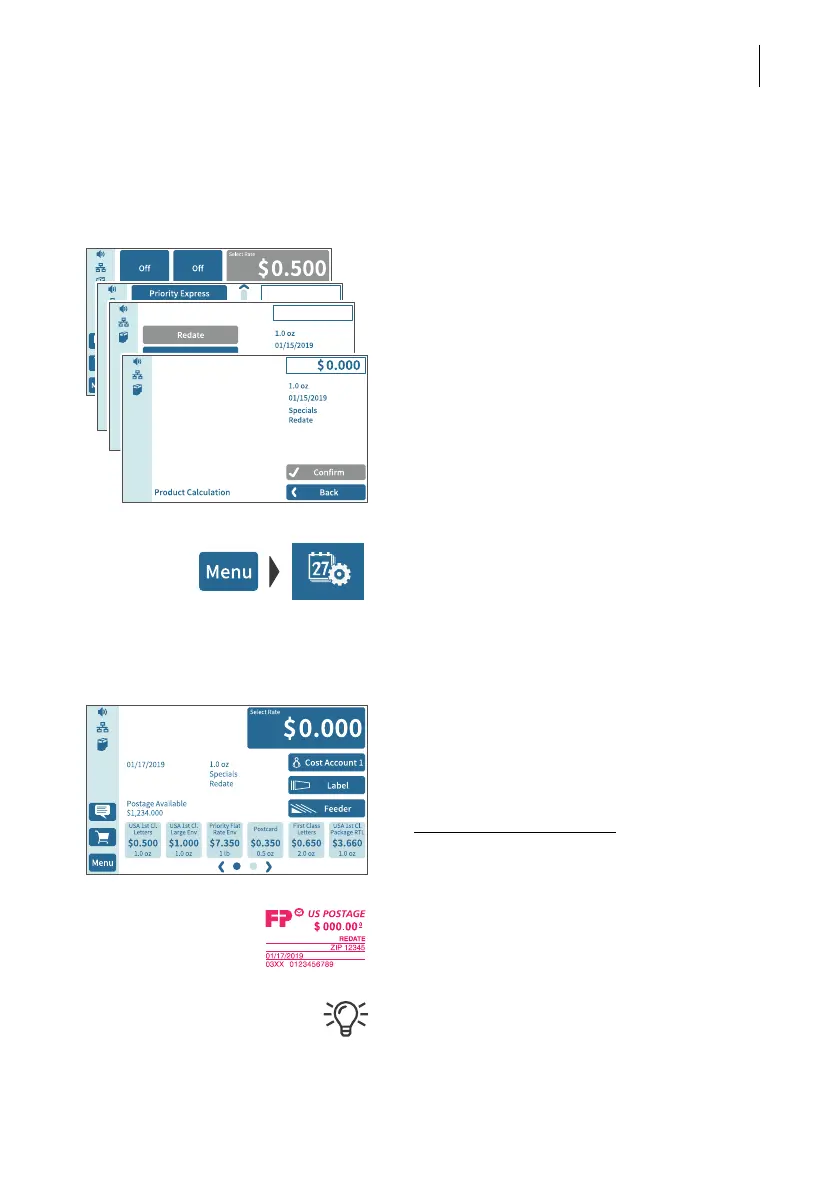
Setting the REDATE imprint
In the Home screen:
• Tap postage.
PostBase Vision opens the product menu.
• Tap the S
PECIALS option
(is shown at the end of the list).
• Choose R
EDATE.
•C
ONFIRM the displayed product setting and
return to the Home screen.
Setting the date
• Open the M
ENU.
• Choose CHANGE DATE.
• Set the new mailing date.
• Confirm the displayed date with OK.
Print redate
When the Home screen shows the desired
settings for the redate imprint:
• Position the mail piece the
non-address side face up
.
PostBase Vision prints the redate imprint.
When printing the redate imprint, advertising
imprints are not available.



 To Next Page