PostBase Vision
74
6.3.3.5 Working with the batch counter
With the batch counter, PostBase Vision offers the option to define a unit quantity of
the mail pieces you want to meter. This function helps you to prepare the finished mail
pieces for mailing counted in a stack.
Caution! Automatic start-up. When the
PostBase Vision is ready for metering, the
letter transport starts up as soon as a letter is
placed on the feeder. Do not be startled.
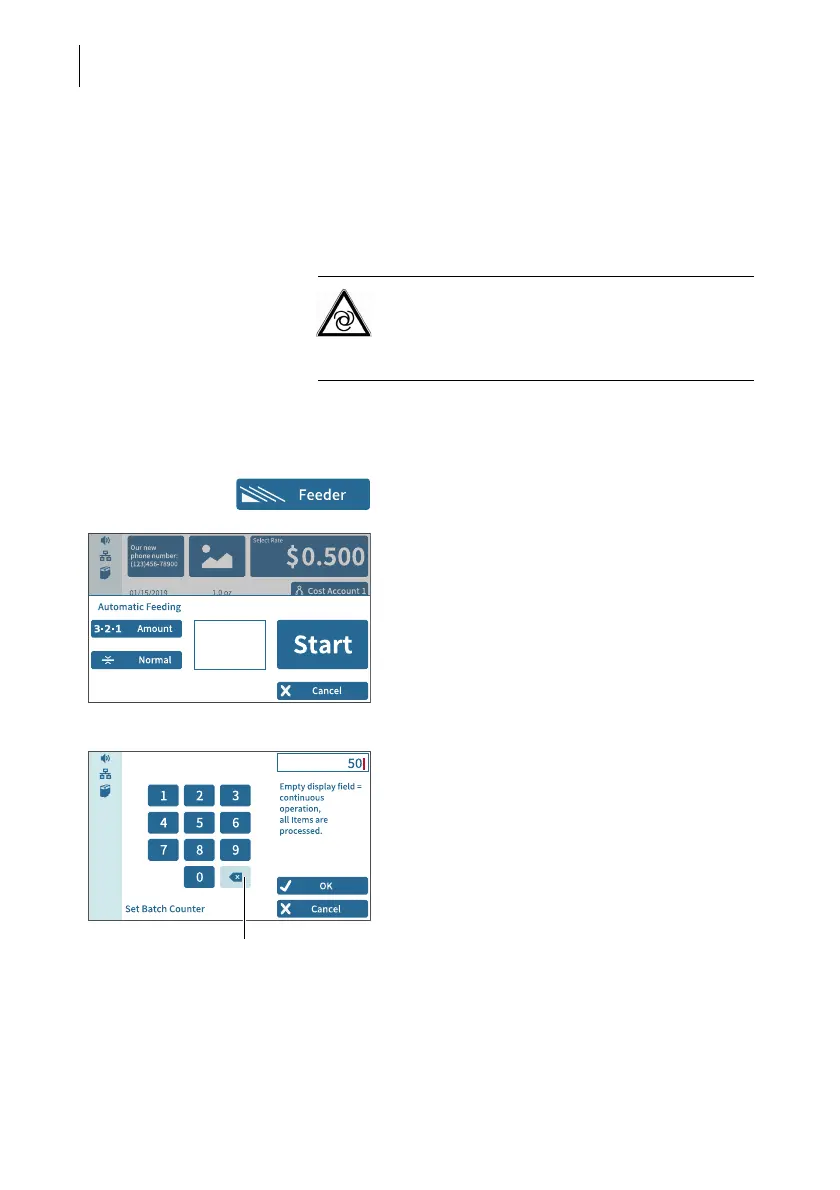
Once the Home screen shows the desired
meter settings:
• In the Home screen, tap F
EEDER.
PostBase Vision opens the pop-up
“Automatic Feeding”.
• Open the setting menu for the batch coun-
ter by tapping A
MOUNT.
• Enter the desired amount of letters to
meter.
• Apply the displayed setting by tapping OK.



 To Next Page