Maintenance and care
135
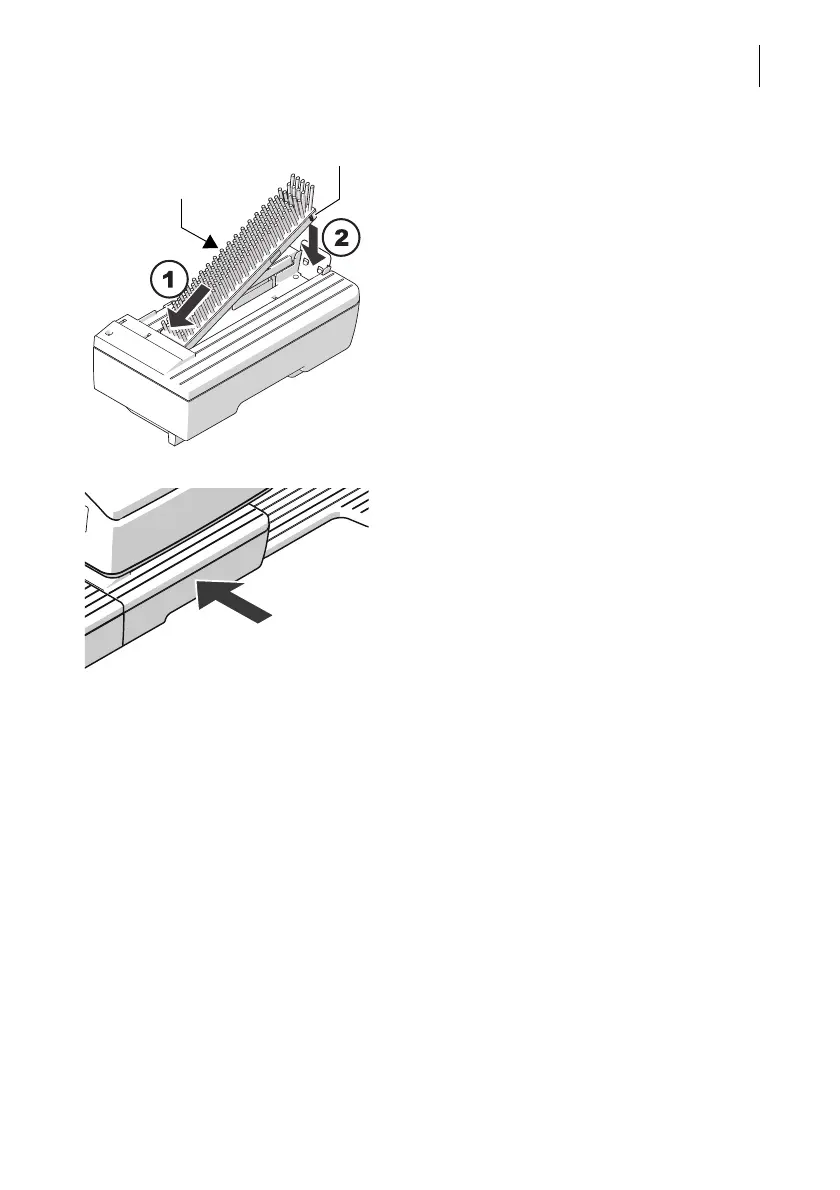
Insert new transport brush
• Insert the new transport brush into the
brush carrier like shown in the illustration
(1).
• Push down the brush on the right side until
it locks into place beneath the two catches
(2).
• Slide the drawer in to the stop. Make sure
that the drawer latches correctly on both
sides.
When the drawer is correctly inserted, the
LEDs in the letter entrance area will go out.
PostBase Vision is ready to operate again.



 To Next Page