30
Rev 4/2018
Operator's Seat
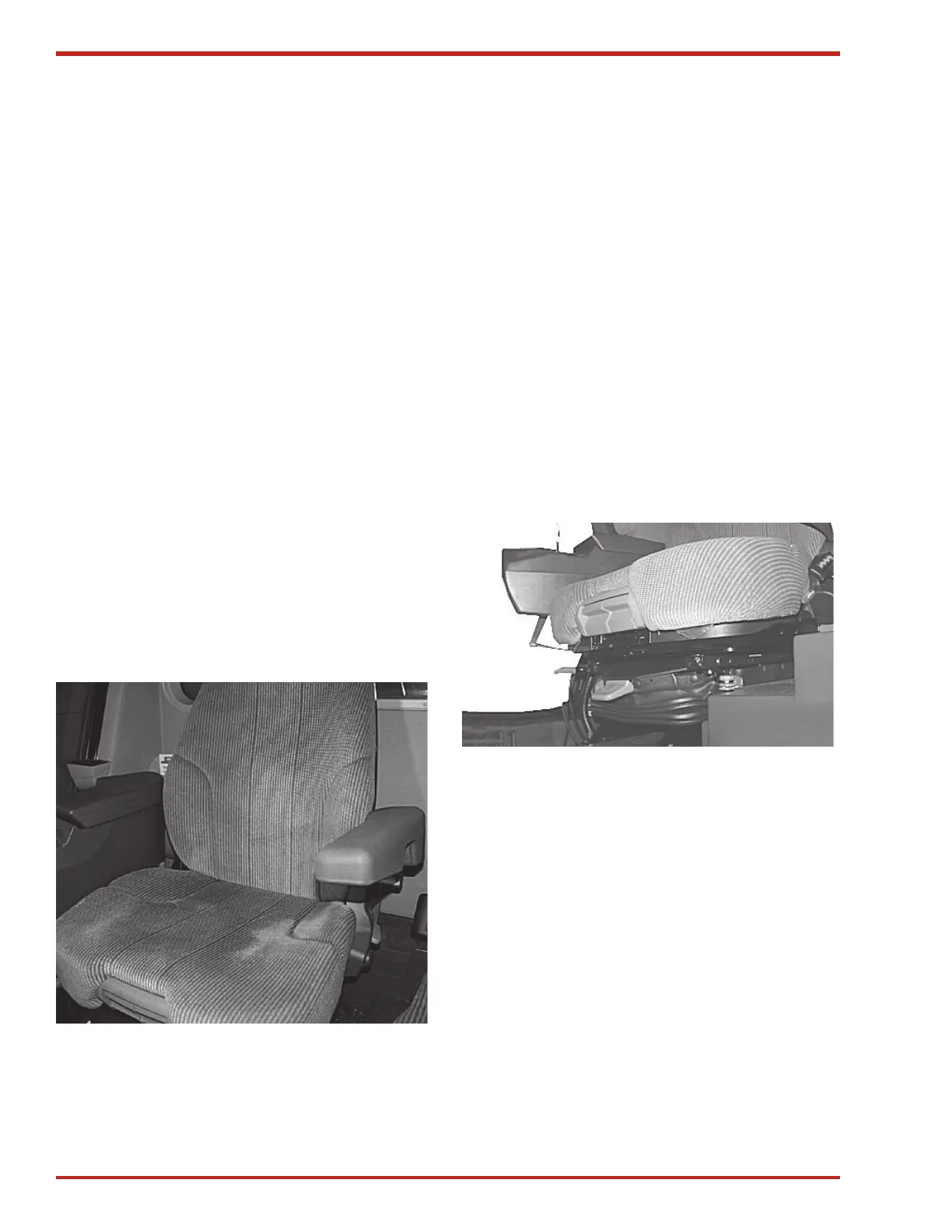
The COMFORT COMMAND operator’s seat (see
Figure 33) has an air suspension system for added
operator comfort. The seat has a self-contained
electric compressor to adjust the seat suspension
to match the operator’s height and weight.
Seat adjustments are as follows:
• Vertical shock dampener
• Height adjustment
• Fore/aft adjustment
• Fore/aft attenuator lock-out
• Seat bottom tilt
• Seat bottom fore/aft adjustment
• Seat back tilt
• Seat back Lumbar support
• Left hand armrest height
• Left hand armrest tension
Figure 33. Operator's Seat
Checking Operator Presence System
IMPORTANT! If the operator presence fails
to function properly, contact your dealer.
To check the function of the operator presence (see
Figure 34), start baler and engage baler switch.
With baler operating, proceed as follows:
• Rise up off the seat for 3 seconds, then sit down
again. The baler should continue to operate
normally.
• Rise up off the seat for 5-6 seconds. The baler
should stop operating. If baler stops, operator
presence is functioning properly. If the baler does
not stop, see your contact your dealer.
Figure 34. Operator's Seat
Seat Suspension and Forward and
Rearward Adjustment
Vertical shock dampener handle (A) allows the
operator to limit the amount of "upward motion"
the seat suspension provides (see Figure 35).
Push the control forward for the softest ride. Move
the handle back for the firmest ride. Between these
two positions is the medium firmness position.
Height adjustment is made with handle (B). To raise
the seat, pull up on the handle. To lower the seat,
push down on the handle.
INSTRUMENTS AND CONTROLS


 To Next Page