Rev 4/2018
33
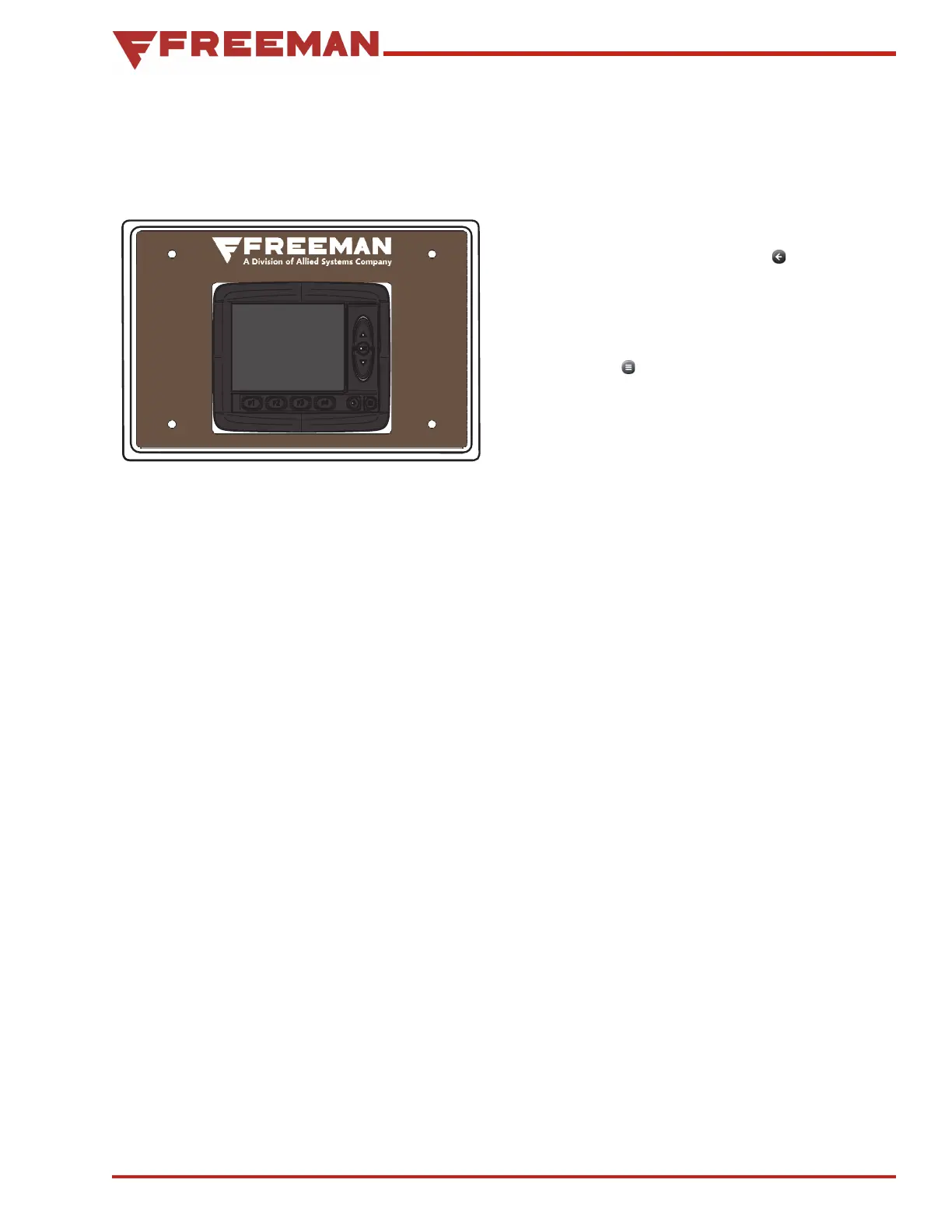
In Cab Monitor (ICM) Overview
Introduction To The Baler Monitoring
System
Figure 38. In-Cab Monitor (ICM)
The Baler Monitoring System consists of:
• In-cab monitor (ICM)
• Input/output control module (XA2)
Machine / Baler Sensors
The In-Cab Monitor (ICM) is used to control the
functions of the baler and provide a display of its
performance during operations. Multiple screens
are utilized to monitor the baler and make adjust-
ments to its operation.
The ICM screens are divided into two groups;
Baling and Main. The first screen displayed on start
up is the baling screen.
The baling screens consist of two (2) screens;
Baling, and Bale Count. Use the back arrow to
toggle between these two screens.
The Main group consist of Adjust, Measure, Prefer-
ences and Info screens.
Pressing the Menu Button will switch between
the Main and Baling screens.
The XA2 module receive instructions from the
ICM to drive hydraulic and electrically operated
components. It also interfaces with sensors on the
machine and communicates this information back
to the ICM.


 To Next Page