42
Rev 4/2018
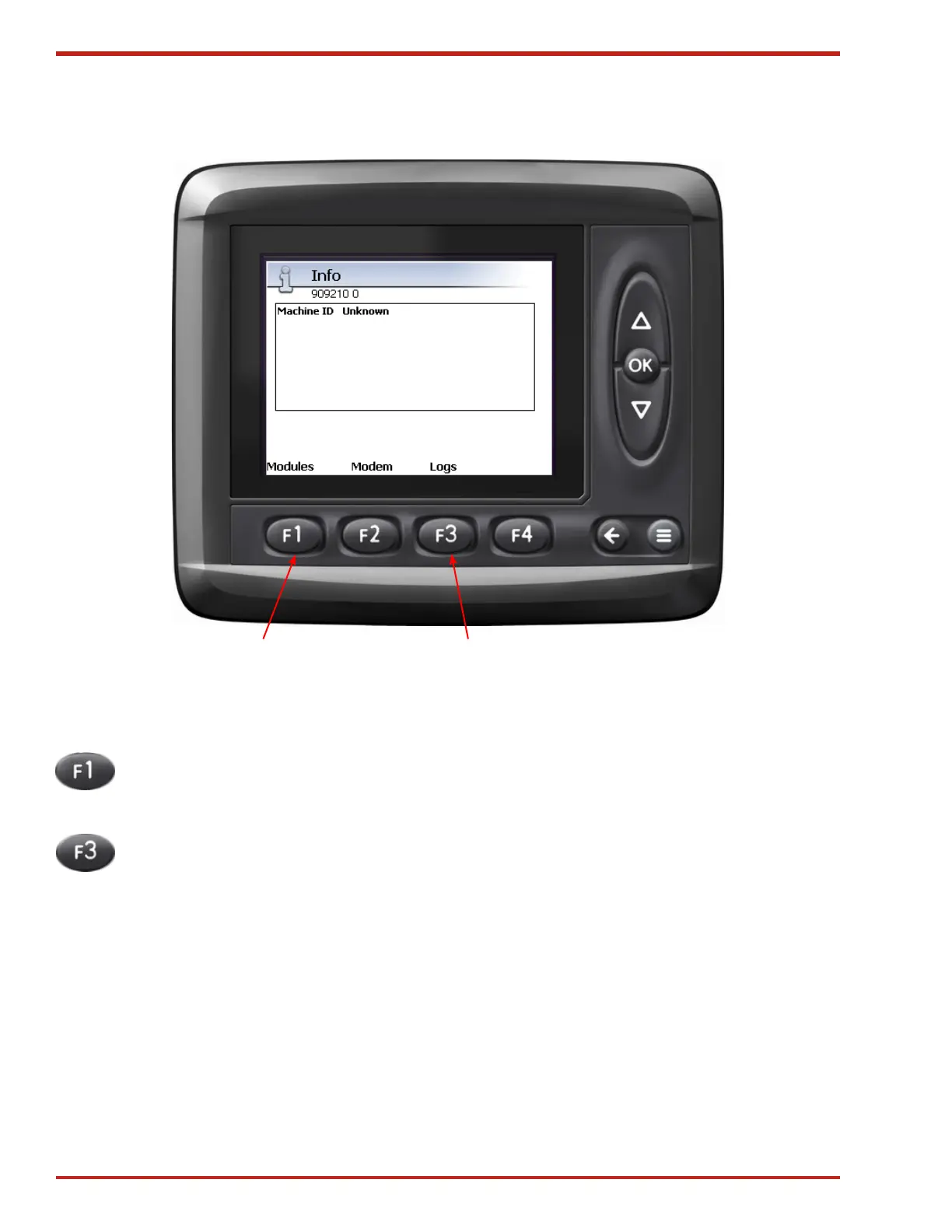
Figure 49. Info Screen
Info Screen
The Info screen displays program version.
Pressing F1 will bring up another
screen, where you can select to view
information for the ICM or the Control
Module.
1. Pressing F3 brings up the System log
screen. The system logs are only acces-
sible by Freeman Service Technicians.
1 2


 To Next Page