Rev 4/2018
41
Measure Screen
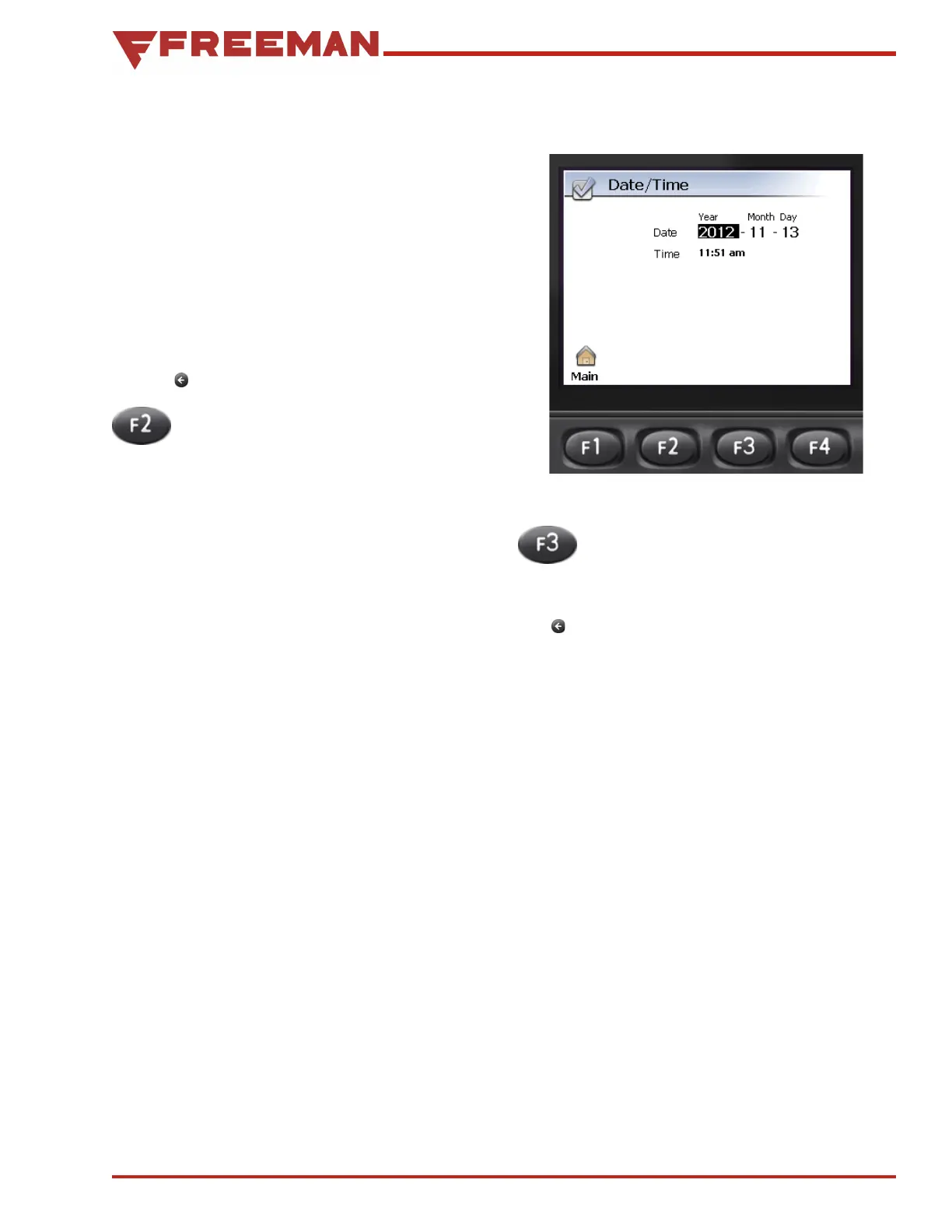
Figure 48. Date/Time Adjustment
Preferences Screen
Once the desired screen saver setting has been
selected, press OK. If “Dimmed” or “Black” was
selected, the Timeout period will be highlighted.
Use the Up/Down Arrows to select the amount of
time (in minutes) before the screen dims or goes
black. Press OK to save. If “Dimmed” was selected,
the Dimmed light setting will be highlighted. Use
the Up/Down Arrows to set the brightness of the
display when it is dimmed. Press OK to save the
settings.
Use the Back button to return to the Preferences
screen.
2. Date/Time Pressing F2 will bring up the
Date/Time adjustment screen (see Figure
48). Once there, press:
• F1 to adjust the Date, the year will be high-
lighted. Using the Up/Down Arrows, adjust the
year, then press OK to move to the month. Use
the Up/Down Arrows to now adjust the month,
then press OK to move to the day. Use the Up/
Down Arrows to set the day, then press OK to
save the setting and exit the screen.
• F2 to adjust the Time, the hour will be high-
lighted. Use the Up/Down Arrows to adjust
the hour (a 24 hour clock is used), then press
OK to move to the minute. Use the Up/Down
Arrows to set the minutes, then press OK to
save the setting and exit the screen.
3. Language Pressing F3 will bring up
the Language selection screen. Use the
Up/Down Arrows to select the language
preference. Press OK to save the setting.
The Back button is used to return to the previous
screen.



 To Next Page