Rev 4/2018
39
Adjust Screen
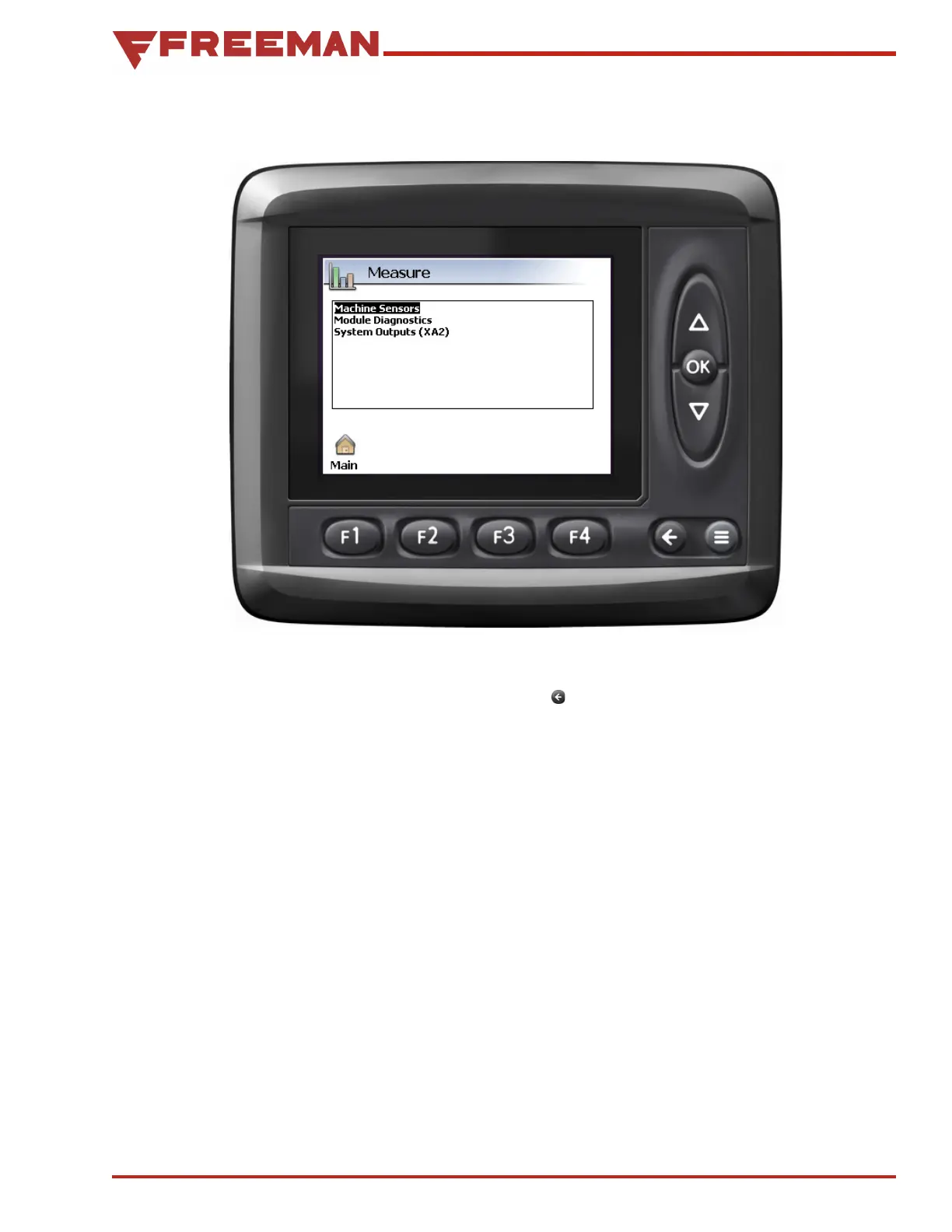
Figure 45. Measure Screen
Measure Screen
From the Measure Screen, the Machine Sensors,
Module Diagnostics, and System Outputs (XA2)
values can be viewed. Use the Up/Down Arrow
buttons to highlight the desired selection, then
press the OK button to select it.
The Back button is used to return to the previous
screen, pressing F1 will return to the Main screen,
and in the Machine Sensors or Module Diagnostics
screens, F2 will toggle to the raw values.



 To Next Page