Advanced Features
103 G-TECH / Pro Competition User Guide, Release 3.1 103
This means that now enthusiasts all over the globe can com-
pare results with each other, just by switching modes after a
run is completed!
For example, let’s suppose an enthusiast named Joe is in U.S.
Mode when he does all of his acceleration runs, and a enthu-
siast named Simon is in Metric Mode for his runs.
All Joe and Simon have to do to compare their runs against
each other (“apples to apples”) is put their G-techs into the
same mode (U.S. or Metric) before they review their runs.
When Joe compares his 100M time against Simon’s 100M
time, they are comparing exactly when each of them crossed
the 100M point.
Joe and Simon can also compare U.S. mode milestones sim-
ply by putting their G-techs in U.S. mode.
Use the following procedure to switch between U.S. mode
and Metric mode in the G-tech.
1
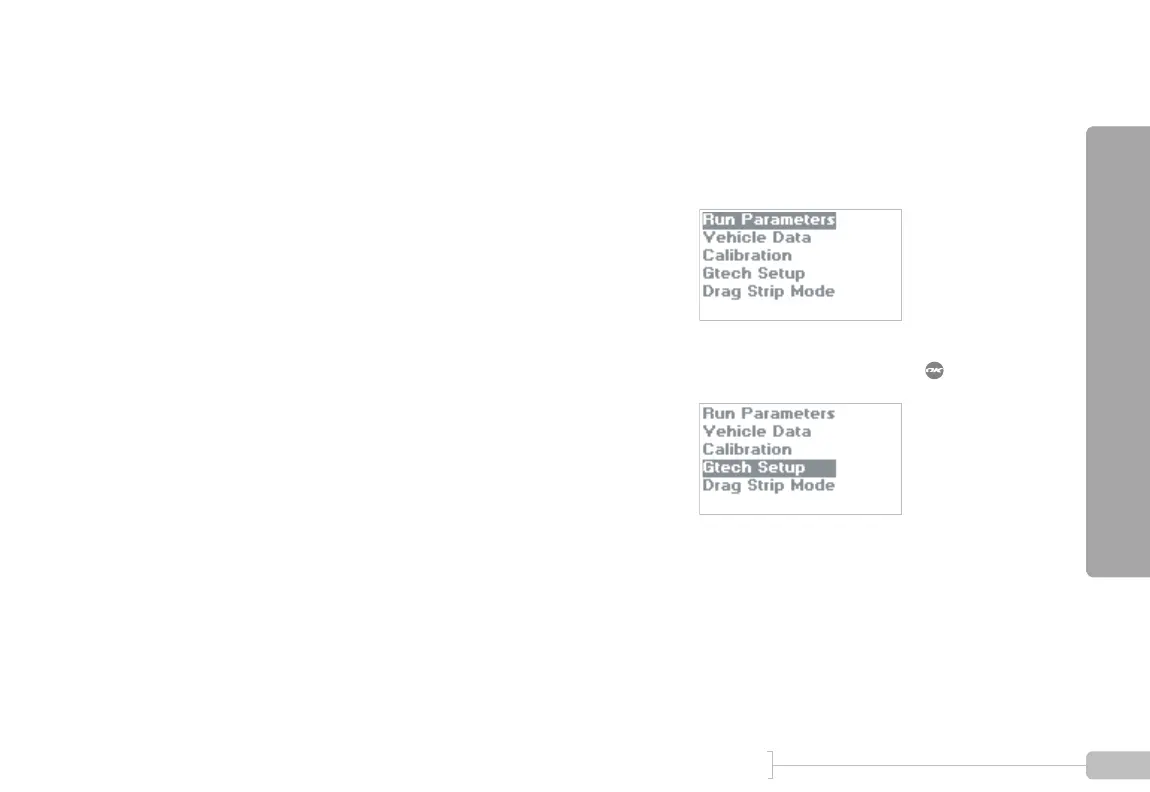
Start in Configuration Mode.
2
Select “Gtech Setup” and press .



 To Next Page