104 G-TECH / Pro Competition User Guide, Release 3.1
3
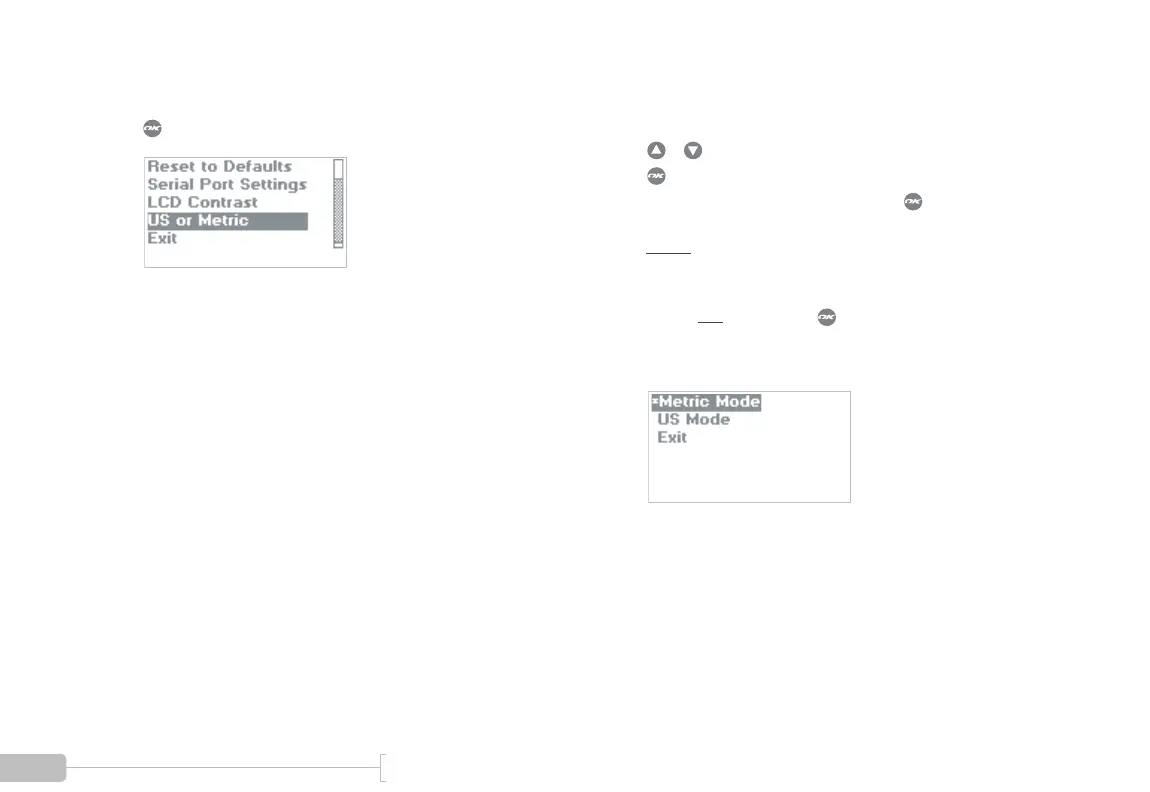
Scroll down and select “US or Metric” and press
.
4
Choose U.S. Mode or Metric Mode.
The asterisk (*) indicates the active choice.
/ moves cursor.
makes selection.
When done, select “Exit” and press .
Note:
In this example, Metric Mode is the cur-
rent/active mode, as indicated by the * next to it. U.S.
mode will be activated only if the user highlights “US
Mode” and
then presses .



 To Next Page