42 G-TECH / Pro Competition User Guide, Release 3.1
6
The mounting clip should be steady and should not
move easily. If this is not the case, slowly turn the
Small Tensioning Nut counter-clockwise just
enough to secure the mounting clip.
Note:
You should only need to use the Small Ten-
sioning Nut for fine adjustments the first time you
mount the G-tech. After the initial mounting, you
would secure the clip by turning the Large Vacuum
Nut clockwise to tighten it.
Note: The clip should be completely rigid. A G-
tech which slips during a run will lead to inaccurate
results.
Loosen
7
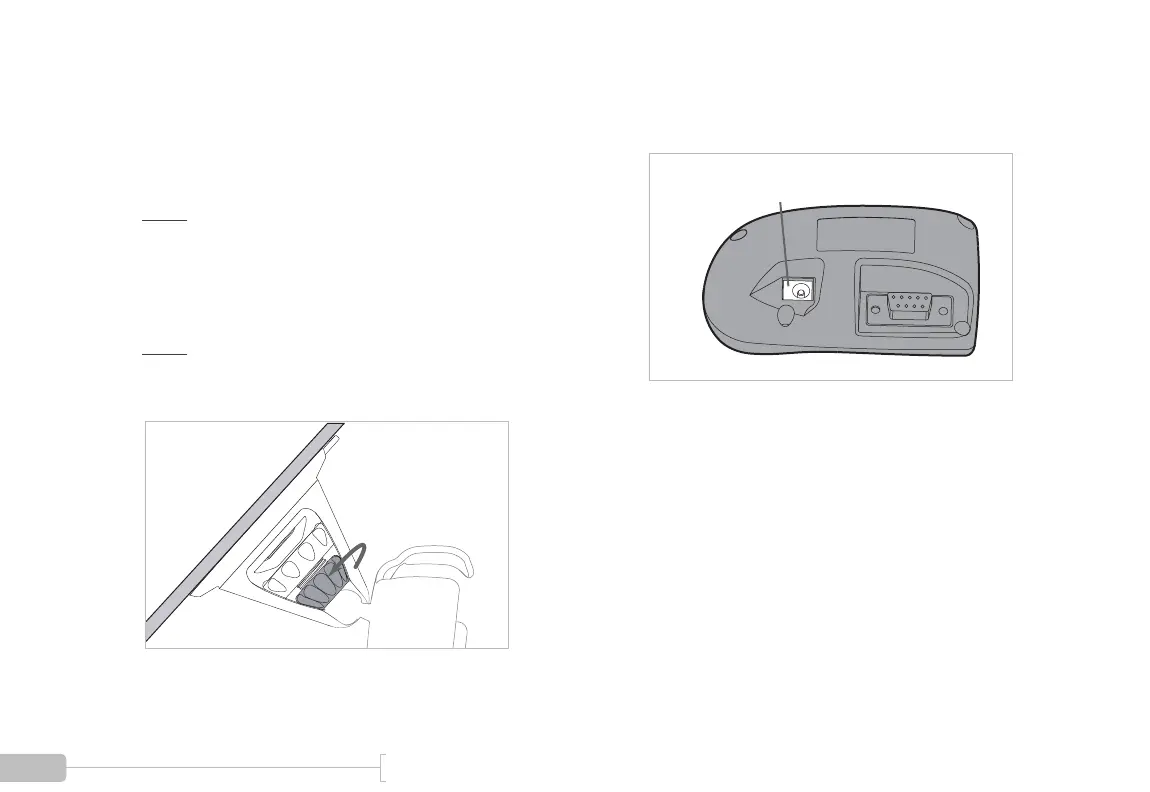
Insert the small end of the power cord into the DC
jack, which is located on the back of the G-tech.
DC Power Jack



 To Next Page