Quick Setup
43 G-TECH / Pro Competition User Guide, Release 3.1 43
8
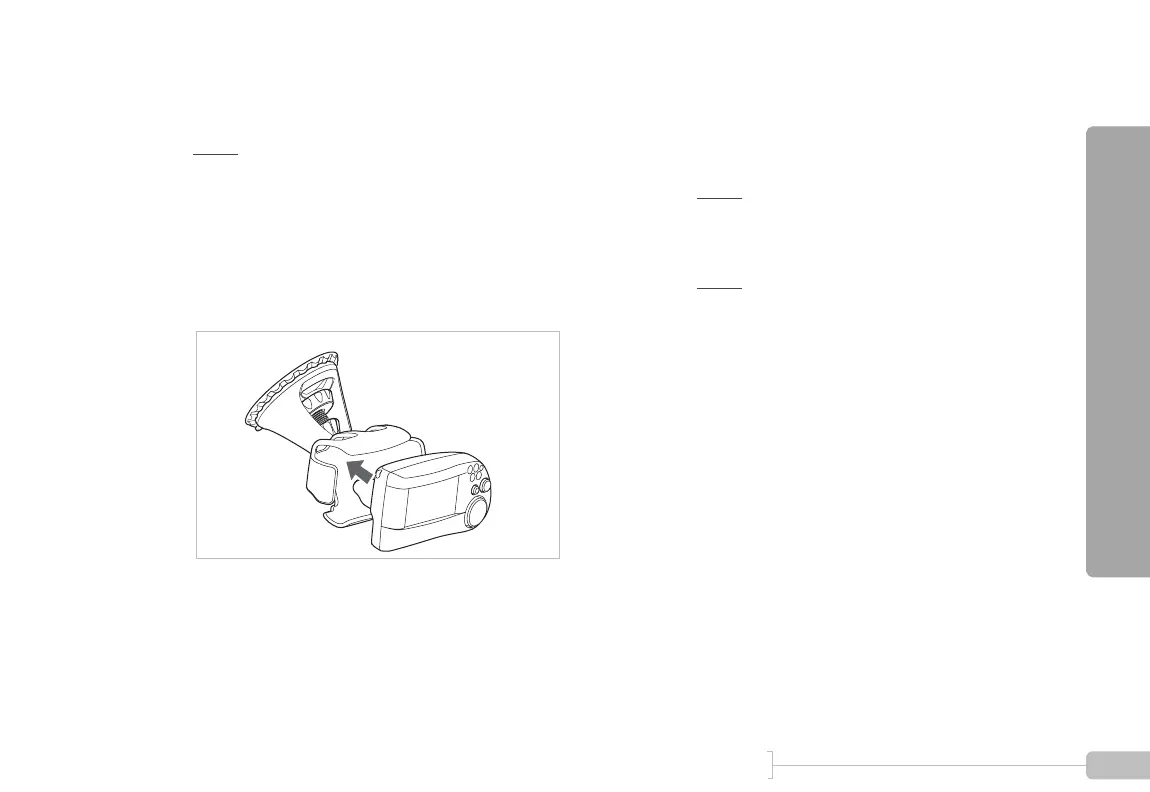
Snap the G-tech into the mounting clip.
Note: Do not move the mounting clip if you need
to adjust the orientation of the G-tech! This will dam-
age your mounting system and will not be covered
under warranty.
To safely re-orient the mounting clip for easier view-
ing, please refer to “Adjusting the bracket” on
page 149.
9
Plug the large end of the power cord into your
vehicle’s 12V cigarette lighter socket. The G-tech
will power on.
Note: Some vehicles supply power to the 12V
socket only when the ignition is in the ACCESSORY
position or when the vehicle is running.
Note: The G-tech does not have an ON/OFF
switch. Please be sure to unplug the G-tech when exit-
ing your vehicle so as to not drain your vehicle’s bat-
tery.



 To Next Page