82 G-TECH / Pro Competition User Guide, Release 3.1
1
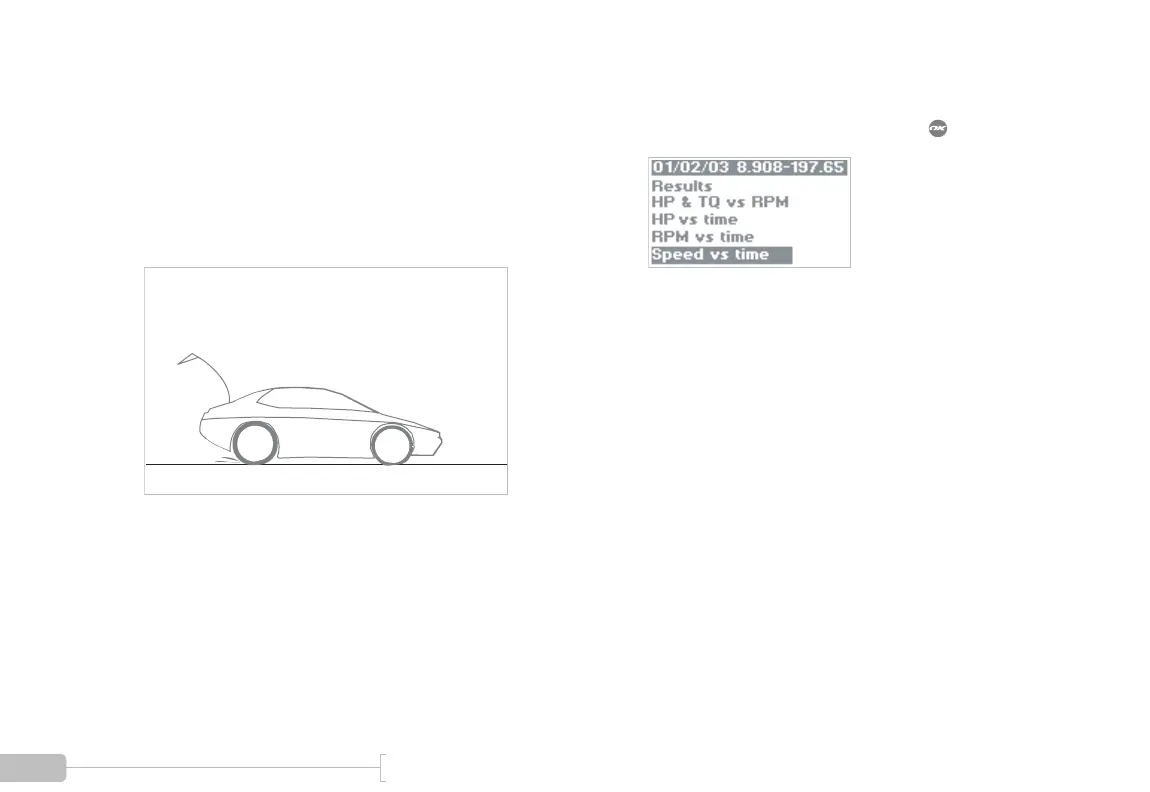
Perform an acceleration run, making sure you hit
the speeds you want to measure.
In this example, we are measuring 40-60 MPH, so
we made sure the driver reached 60 MPH during
the acceleration run.
2
To view the Speed vs. Time graph, select the menu
choice titled “Speed vs time” and press :



 To Next Page