Analyzing Runs
89 G-TECH / Pro Competition User Guide, Release 3.1 89
1
Perform an acceleration run, ending the run by
braking hard to a complete stop. Make sure that
the E.T. clock continues to run until the vehicle is com-
pletely stopped. If the E.T. clock stops before the
vehicle has come to a stop, your results will not be
meaningful.
2
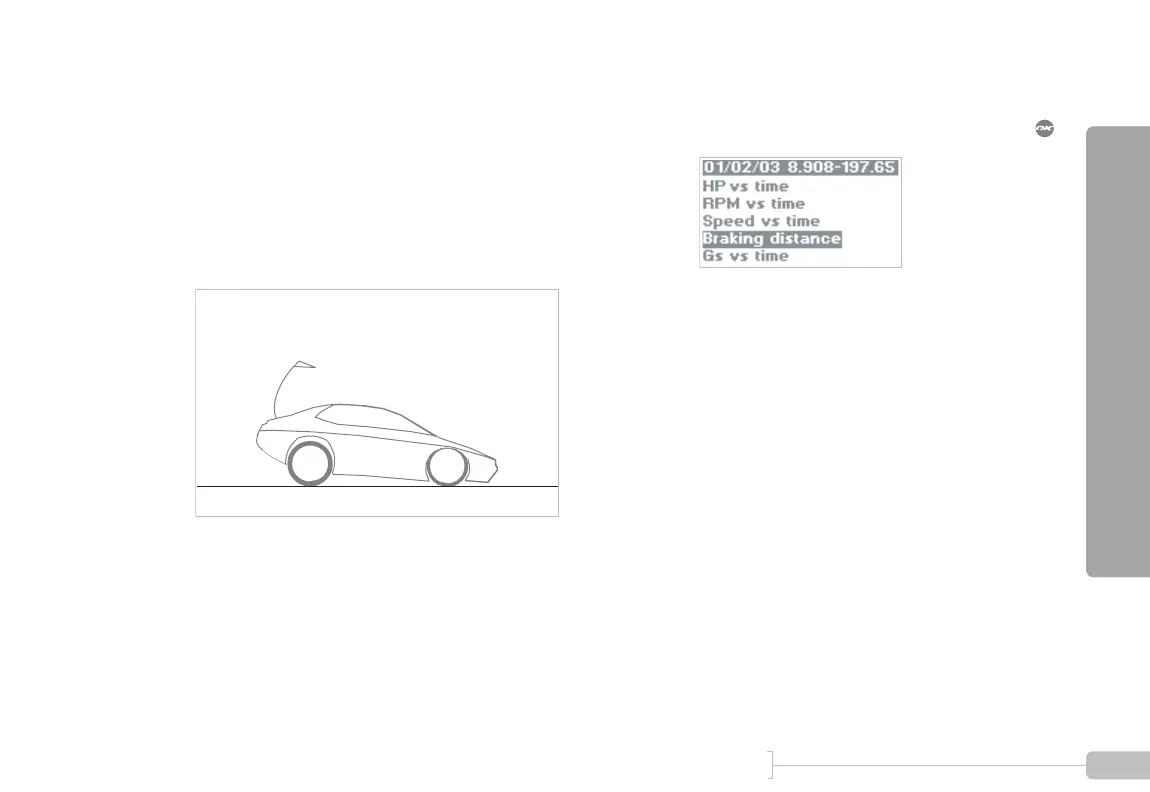
To view the braking distance graph, select the
menu choice titled “Braking distance” and press :



 To Next Page