page | 138
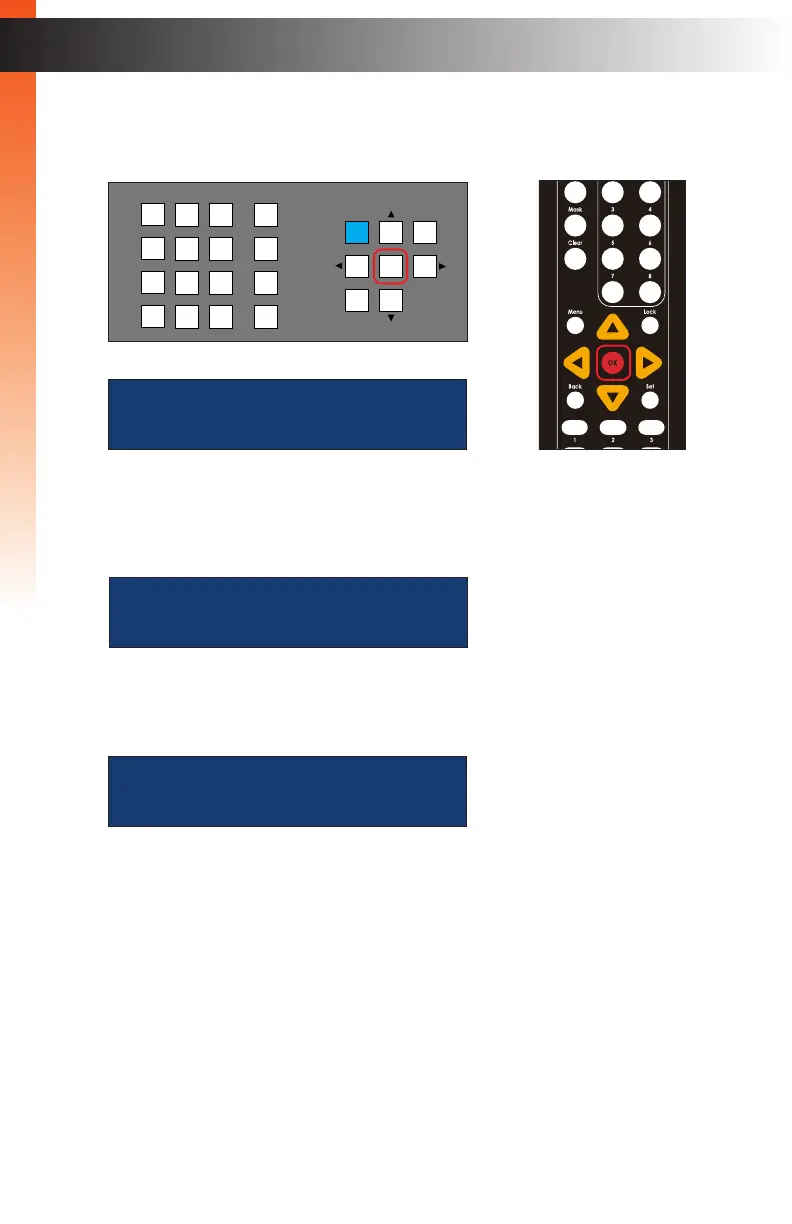
4. Press the OK button to enter the menu.
5. The current IR Channel will be displayed.
6. Press the ▲ or ▼ buttons to select the Reboot Unit option.
7. Press the OK button to continue. The Matrix Controller will prompt you to conrm
that you wish to proceed:
8. Press the ▲ or ▼ buttons to select between Yes and No options.
► To reboot the Matrix Controller, select Yes and press the OK button.
► To cancel the procedure, select No and press the OK button.
confirm reboot
yes
reboot unit
Basic Operation
Menu System
OR
LAN
POE
5V DC
1 2
Matrix Controller
Status
IR
Power
Menu
1 2 3
4 5 6
7 8 9
In 0 Out Set
Clear
Mask
Preset
Back
OK
Lock
ir channel:
2
Basic Operation



 To Next Page