page | 84
Basic Operation
Menu System
Routing Outputs to Inputs
Normally, when routing, the input is selected rst, followed by the desired output(s).
However, the Matrix Controller also provides the option to select the output(s) rst,
followed by the input.
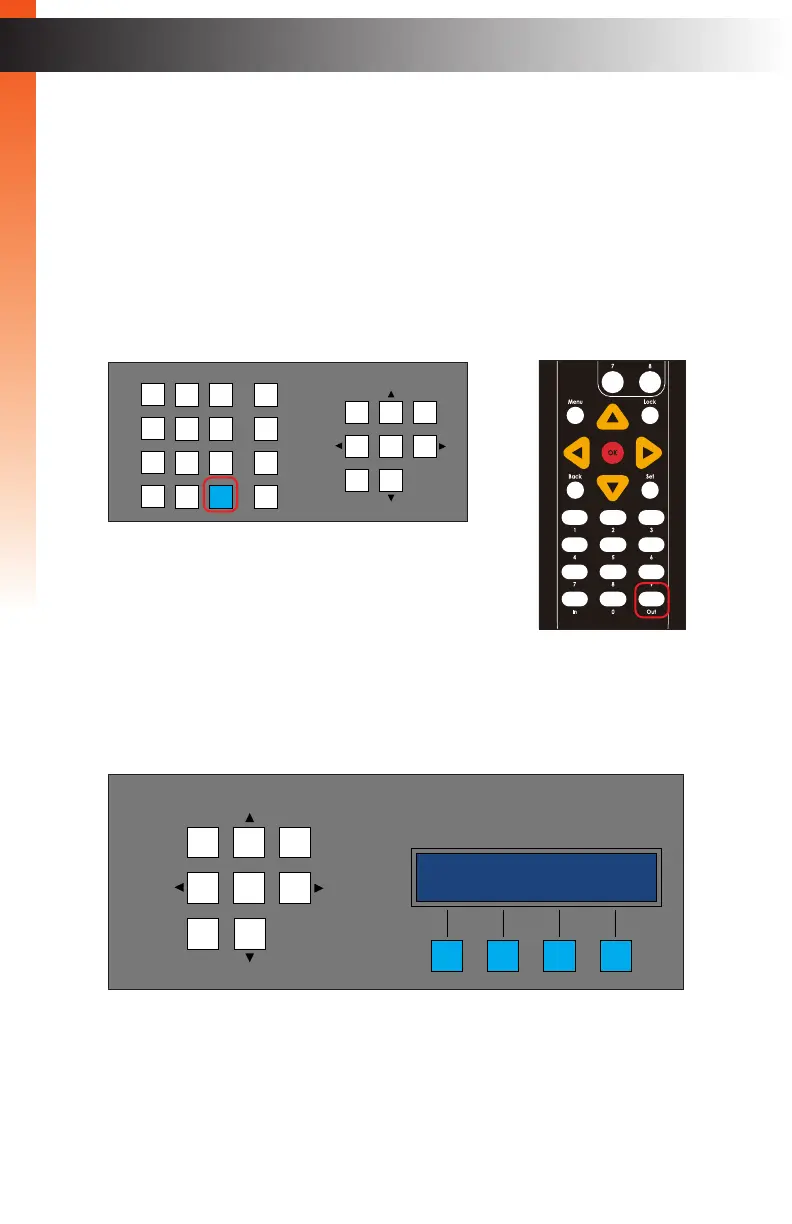
1. From the standby screen, press the Out button. See Accessing the Menu System
(page 75) for information on how to display the standby screen.
2. The Out button and the four buttons under the Status window will glow solid blue.
3. The group selection screen will be displayed. The currently selected group is
displayed in the top row.
LAN
POE
5V DC
1 2
Matrix Controller
Status
Menu
1 2 3
4 5 6
7 8 9
In 0 Out Set
Clear
Mask
Preset
Back
OK
Lock
engineering
(( back sel ))
OR
LAN
POE
5V DC
1 2
Matrix Controller
Status
IR
Power
Menu
1 2 3
4 5 6
7 8 9
In 0 Out Set
Clear
Mask
Preset
Back
OK
Lock
Basic Operation



 To Next Page