page | 39
Basic Operation
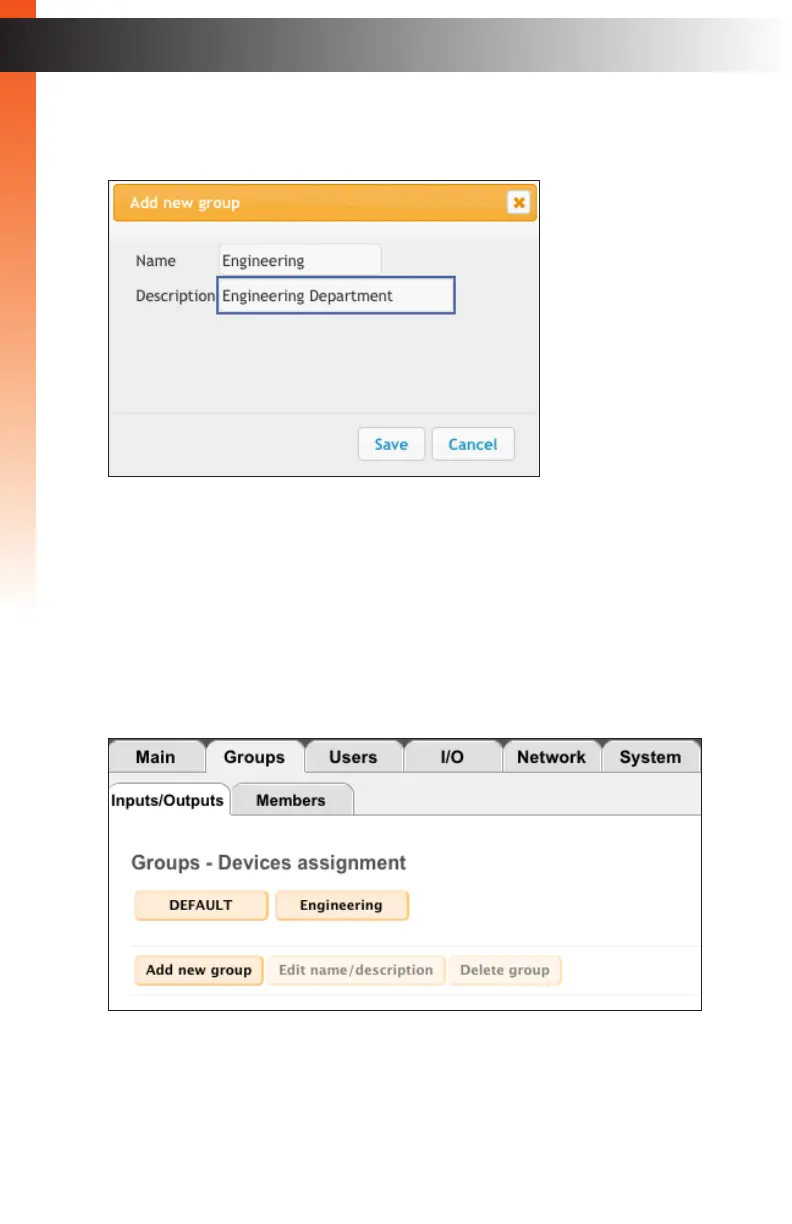
4. Enter the name of the group in the Name eld.
5. Enter the description for the group in the Description eld.
Creating groups allows the administrator to restrict user-access to specied inputs
and outputs. When using a large number of KVM over IP devices, it will be necessary
to create and manage groups of devices for tracking, management, and ease-of-use.
6. Click the Save button to create the group. Each group that is created will appear
as a button.
Groups



 To Next Page