5.11.2 Functional description Pressure
Control
The NIV Pressure Controlled mode is a
controlled breathing mode.
SVS-9013_XX
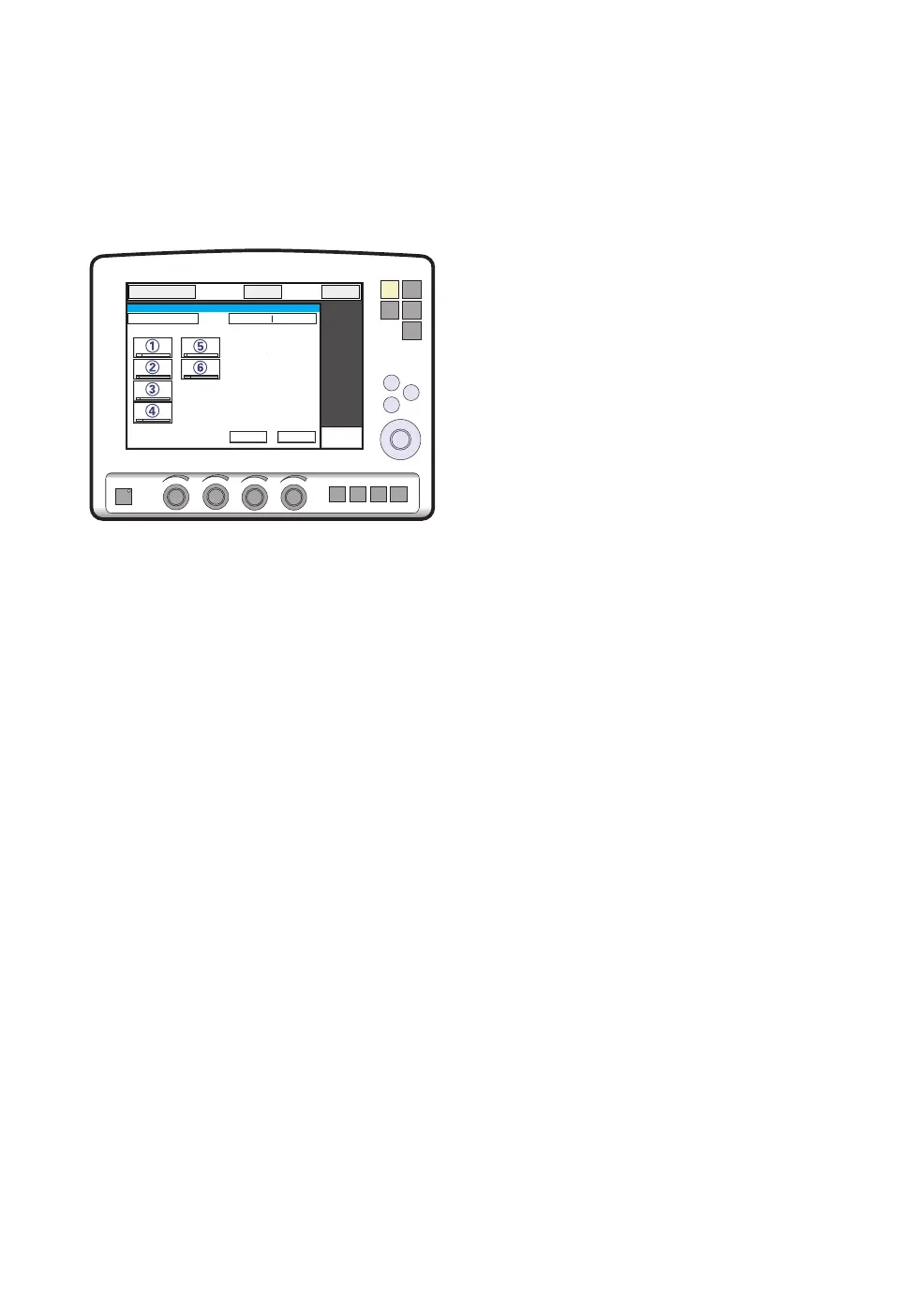
The following parameters are set:
1. PC (Pressure Control level) above PEEP
(cmH
2
O)
2. Respiratory Rate (b/min)
3. PEEP (cmH
2
O)
4. Oxygen concentration (%)
5. I:E ratio / Insp. time
6. Inspiratory rise time (%/s)
Differences from invasive Pressure control
mode:
• When the Standby key is pressed a waiting
position dialog is shown. All patient related
alarms are turned off during 120 seconds.
Press the Start ventilation touchpad to start
the ventilation.
• During NIV the ventilator automatically
adapts to variations in leakage in order to
maintain the required pressure and PEEP
level. If leakage is excessive, the ventilator
will issue a high priority alarm and deliver a
flow according to settings. Ventilation will
resume automatically if the leakage
decreases. Ventilation can also be started
manually by pressing the Resume ventilation
touchpad in the dialog.
• Trigger sensitivity cannot be set in NIV.
• Detection of pressure below PEEP or
expiratory volume decrease will start a new
breath.
Read about alarm settings on page 128.
See also Set Ventilation Mode on page 114.
92
SERVO-s VENTILATOR SYSTEM V8.0, User's Manual
| 5
| Ventilation, modes and functions |


 To Next Page
 Loading...