WR1000-UM-251–01–9380 6 – 31
6. INSPECTION AND CHECK PROCEDURES
NOTE
The following Steps (6) and (7) are not required when testing an internal MODD.
CAUTION
Performing Steps (6) and (7) will reformat the internal hard disk, so first check that it does not contain
important data.
If the internal hard disk contains the customer’s data, do not reformat it.
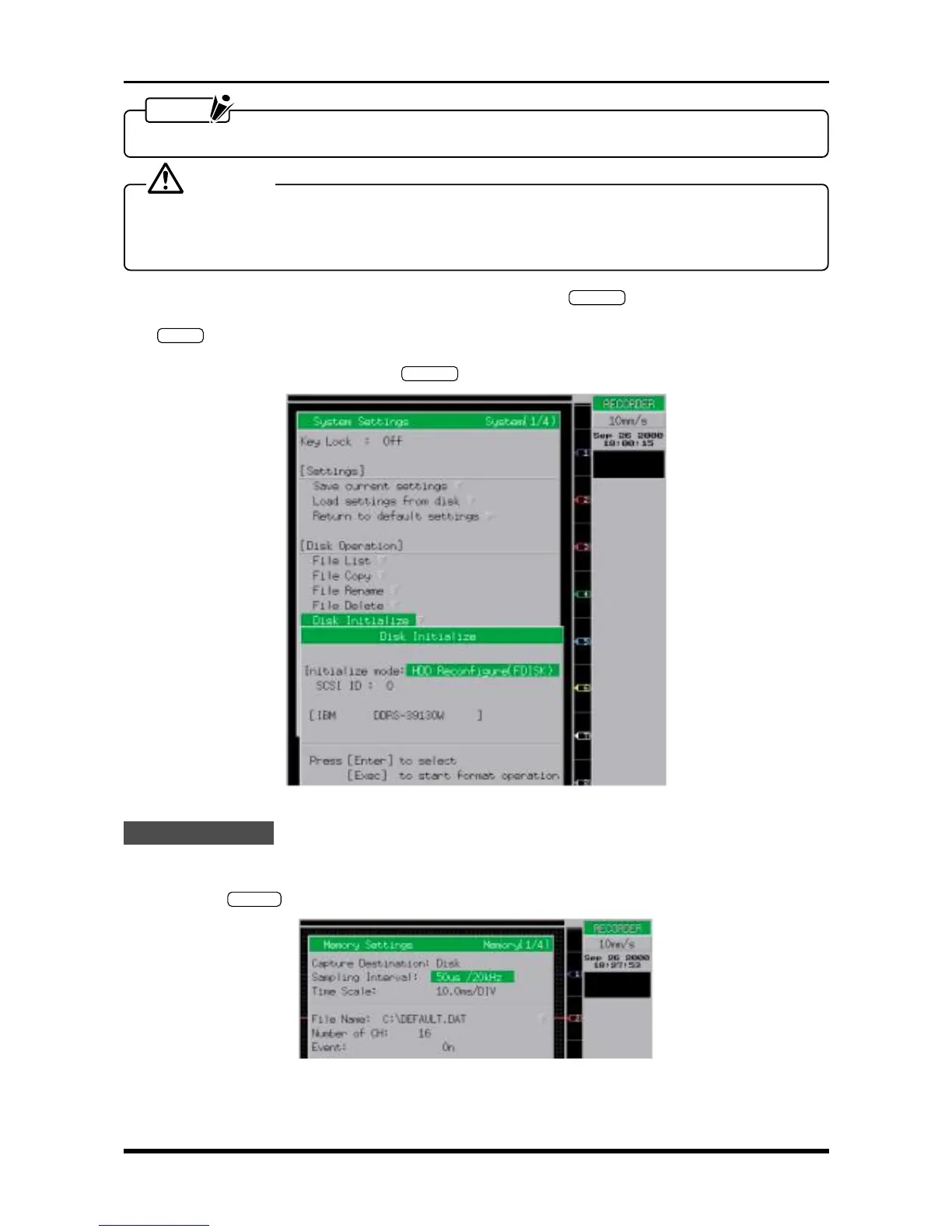
(6) As the first step in reformatting the internal hard disk, press the
SYSTEM
key on the Conditions panel to
open the System Settings window. Move the cursor to the “Disk Initialize” operation, then press the
ENTER
key.
(7) At the Disk Initialize menu, change the Initialize mode setting to HDD Reconfigure (FDISK), set the SCSI
ID setting to 0 (zero), then press the
EXECUTE
key to start reformatting the internal hard disk.
Fig. 6-3-9. System Settings window
Check Procedure
(1) Specify the parameters in the Trigger Settings window to the same settings listed in Step (3) of Subsec-
tion 6.2.7, “Memory Trigger Operation.”
(2) Press the
MEMORY
key to open the Memory Settings window, then change its settings as follows.
Fig. 6-3-10. Memory Settings window
Capture Destination Disk
Sampling Interval See Table 6-3-5



 To Next Page