X1D II 50C USER GUIDE www.hasselblad.com
100
SETTINGS
Contents
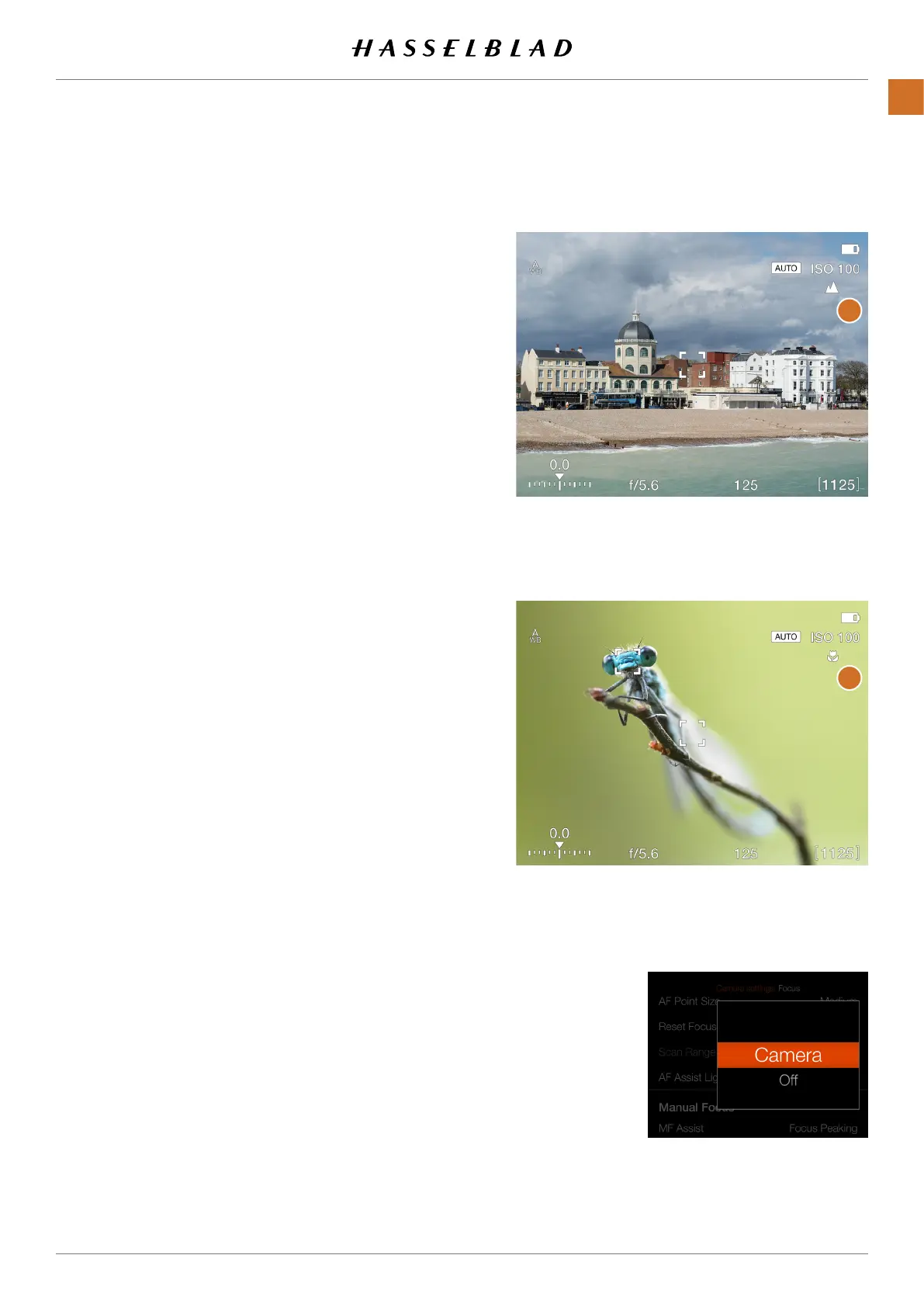
A Far-icon
(A)
is shown when Scan
Range Far is selected. If Near is selected,
the Near-icon
(B)
is shown.
Live View when Near setting is selected
AF Assist Light Setting
Live View when Far setting is selected
AF Assist Light Setting
A built-in LED that assists AF in low
light situations. You can choose
between:
Camera
Off
A
B



 To Next Page
 Loading...






