X1D II 50C USER GUIDE www.hasselblad.com
90
SETTINGS
Contents
Camera Settings Menu
5.1 CAMERA SETTINGS MENU
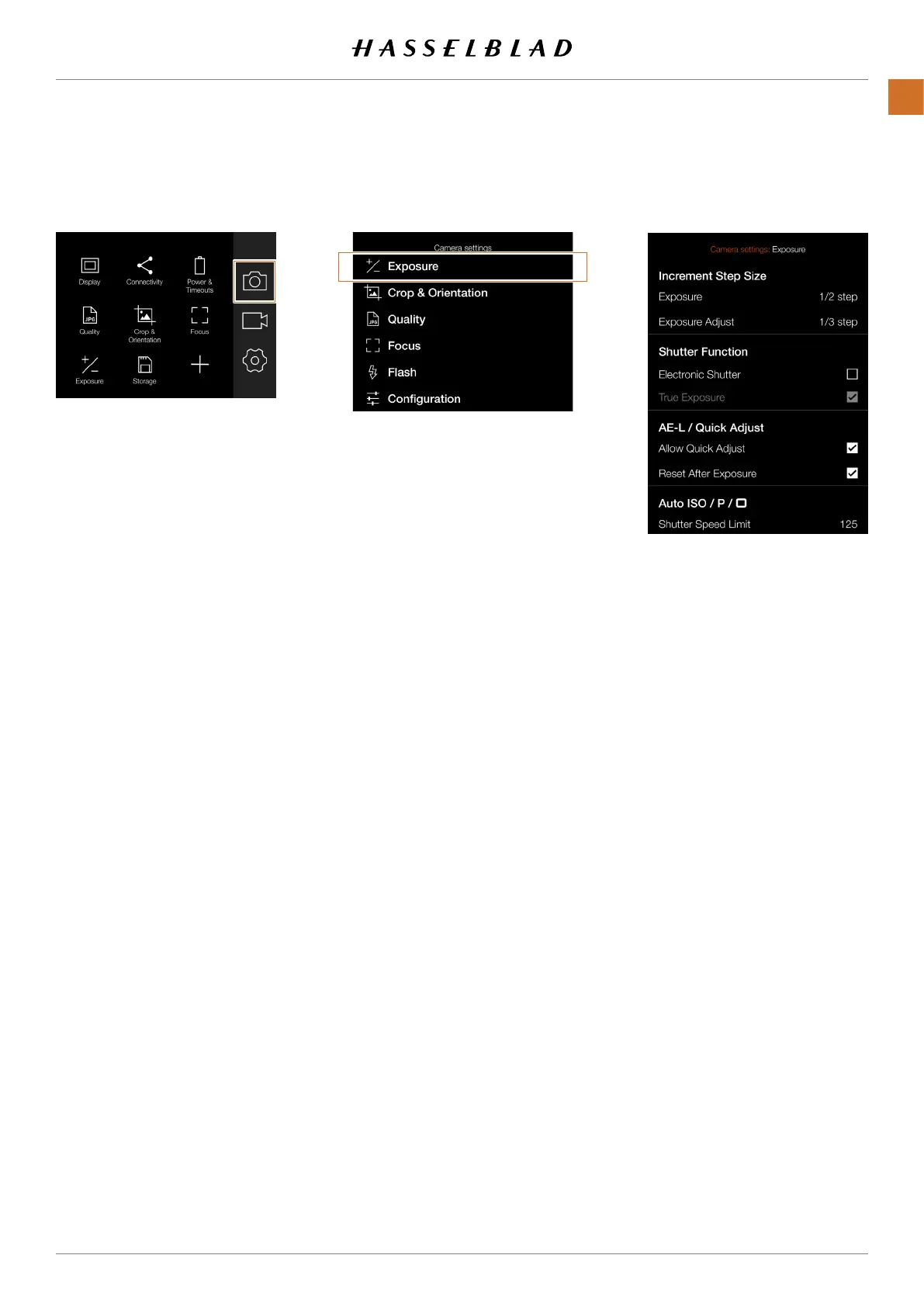
MAIN MENU > CAMERA SETTINGS > EXPO-
SURE
1 Press the Camera icon on the Touch
Display.
2 The Camera Settings Menu appears.
Swipe right or press the Menu / EXIT button to
get back to the Main Menu.
Main Menu
Camera icon
Exposure Settings Menu



 To Next Page
 Loading...






