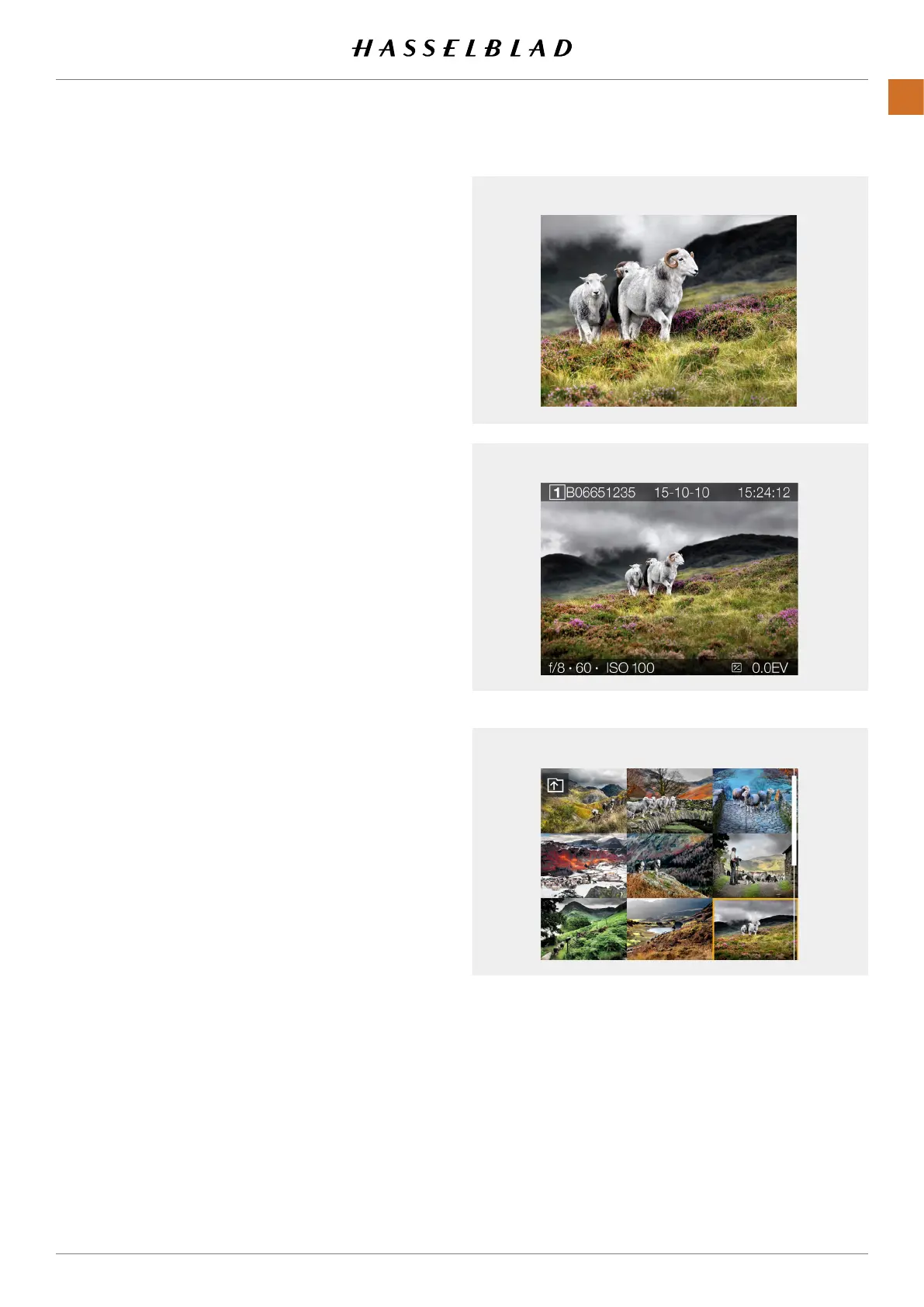
Zoomed View
Standard Preview
9 View Mode
ZOOM IN AND OUT ON THE TOUCH DISPLAY
The following gestures can be used to Zoom in and out on the
Touch Display:
Function Action
Zoom in Spread (move two ngers apart).
Zoom out Pinch (move two ngers together).
Action Function
Double Tap Zoom in to 100%. Double Tap again
to Zoom out to full View.
9 View Mode
9 View Mode displays an overview of up to 9 captures. Scroll
down to display all Captures in the Folder.
Enter 9 View Mode by pressing the AE-L button, or zoom out
with a two nger “pinch”.
X1D II 50C USER GUIDE www.hasselblad.com
82
FUNCTIONS
Contents



 To Next Page
 Loading...






