route preference.
〉
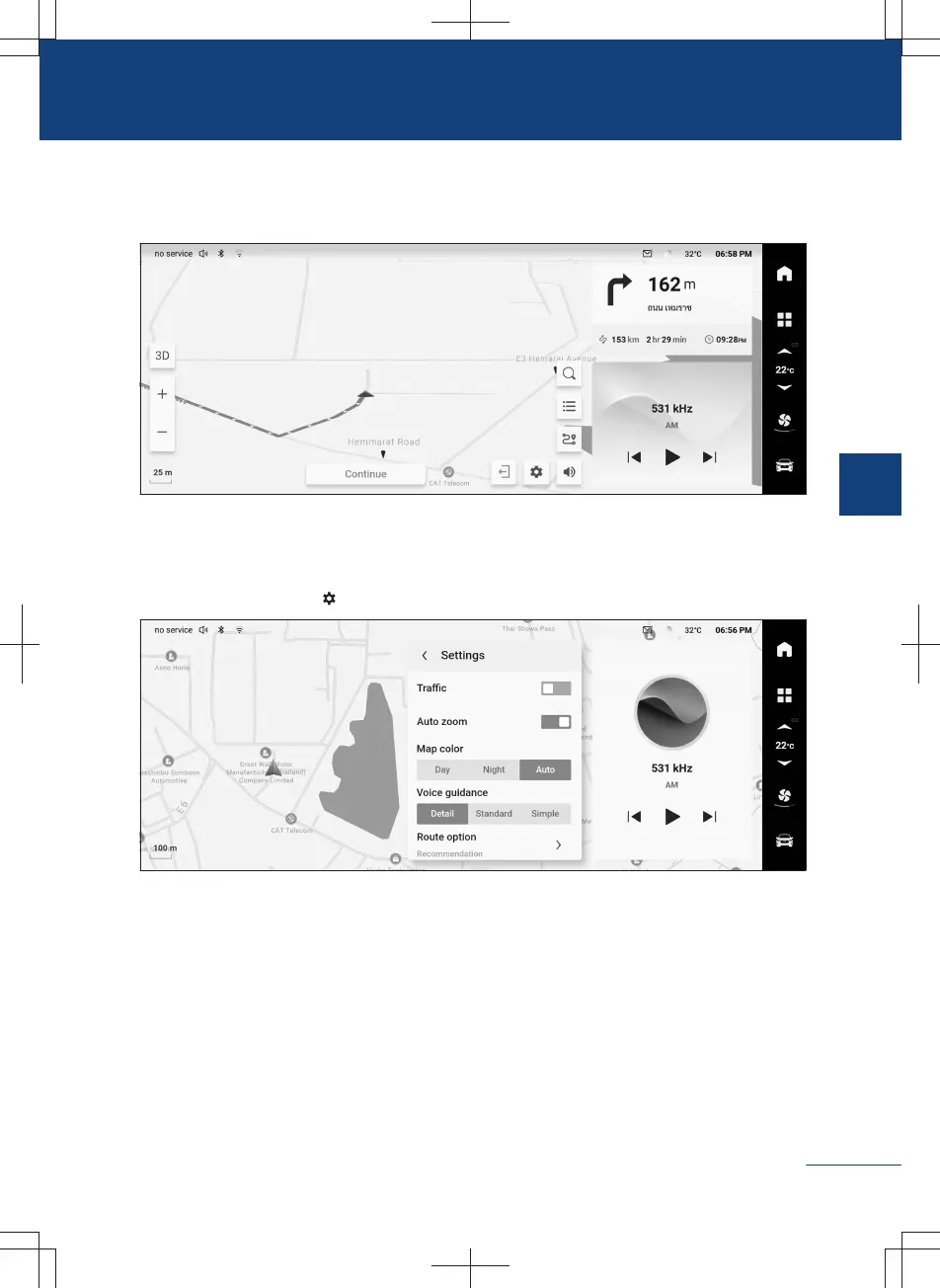
Tap the button 【Start navigation】 switch to the route guide interface and enter the of-
ficial navigation mode.
525F6AC709E7
Tap any non-button position on the map to bring up the hidden function button.
Navigation setting
Touch the setting button
on the map interface to switch to the setting interface.
C8B801A89793
Real-time road conditions, automatic scale, map color, navigation broadcast, route prefer-
ence and home/company address can be set; personal information can be cleared, online
map and map stored in USB can be updated, and version information can be checked.
185
3
Audiovisual system



 To Next Page