Connecting individual QuantumX modules
QuantumX A03031_24_E00_01 HBM: public 67
included. Its location is:
C:\Program Files\HBM\catman\Firmware\QuantumX-B
If you do not work with catman
®
, please install the free MX Assistant, con
nect to the modules, and use it to perform the update. If the modules have
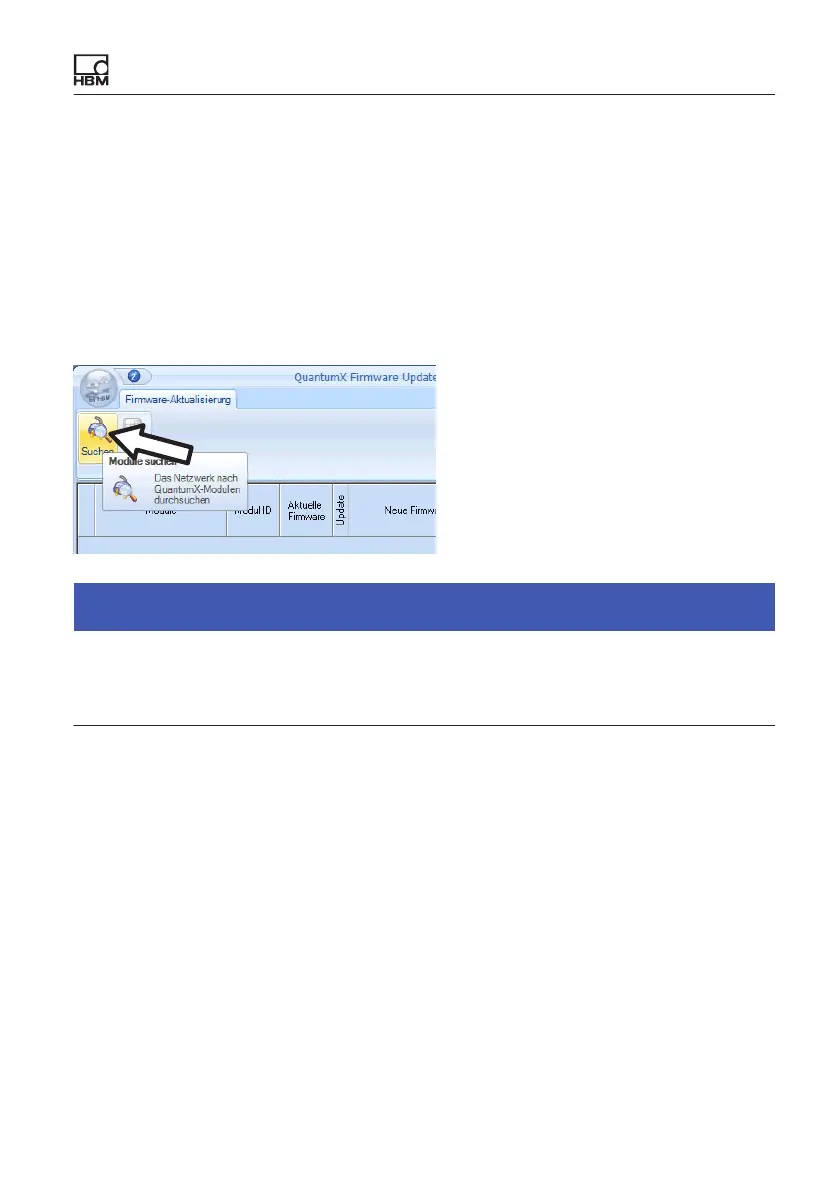
a firmware version < 2.21, you should install the QuantumX Firmware
Updater tool, and use it to bring all the modules up to date. From firmware
version > 4.0, a firmware update can also be performed with the MX Assis
tant, or with catman.
Notice
You can update the firmware of the modules directly via Ethernet, or via a
gateway. Do not interrupt the data link under any circumstances during the
update process.









 To Next Page