Connecting individual QuantumX modules
66 A03031_24_E00_01 HBM: public QuantumX
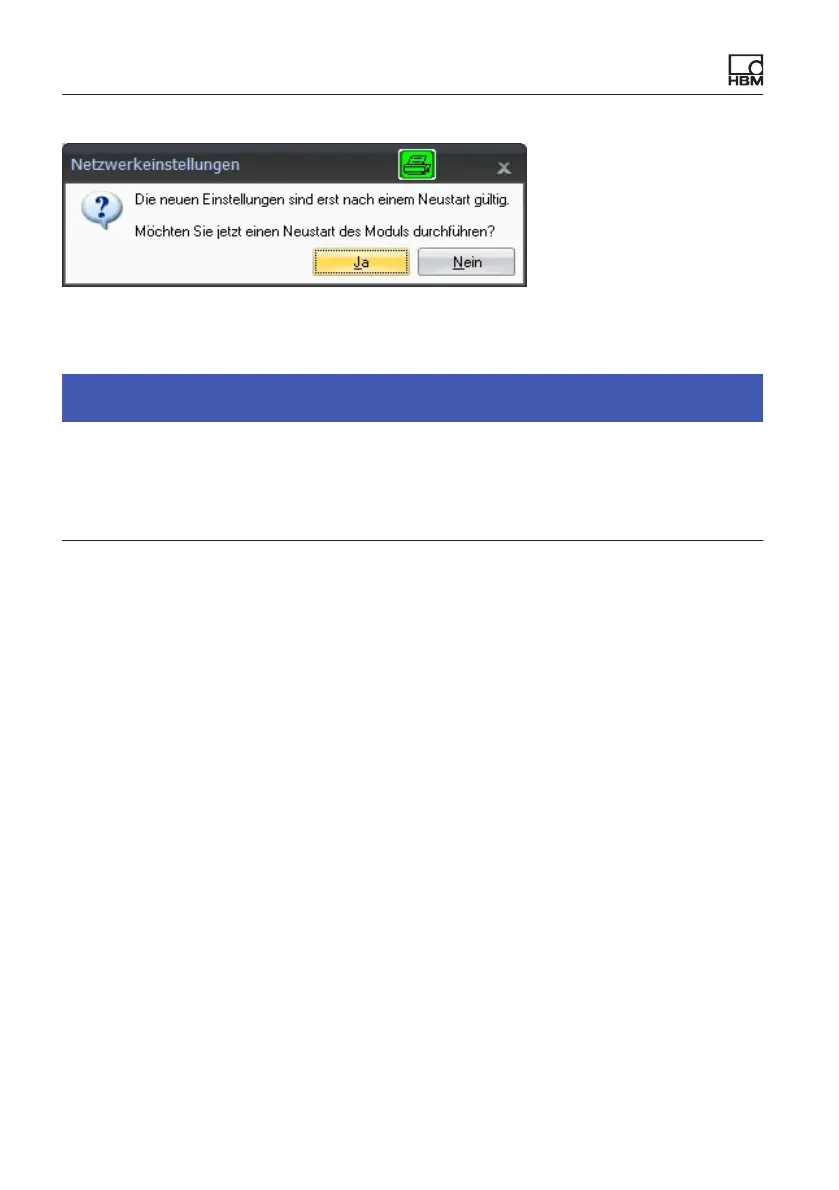
S Confirm the settings with the“Yes” button. The module will then be restarted
with the current settings.
Notice
Please note that with the Ethernet setting DHCP/APIPA, the DHCP server
requires a certain amount of time to assign an IP address to the QuantumX
module. After connecting the hardware to the network or PC, wait about 30
seconds before starting CATMAN. Otherwise the device may not be found.
7.2.5 Firmware update via Ethernet
We recommend that the firmware and software used to operate QuantumX/
SomatXR are always kept up to date.
S Download the latest firmware from the HBM website. If you do not work with
catman
®
, please download the QuantumX software package from the HBM
website.
If the firmware version number of your module is lower than the current number
on the Internet, you can perform an update as follows:
S Download the latest firmware from the HBM website. If you are not using
catman
®
, please also download the QuantumX/SomatXR software package
from the HBM website.
Please save the firmware under ...\HBM\catmanEasy\Firmware\Quan
tumXB, or on C:\Temp.
S Start catman®, scan the network for modules, and run
the recommended firmware update. catman comes with the firmware









 To Next Page