Connecting individual QuantumX modules
QuantumX A03031_24_E00_01 HBM: public 65
Example:
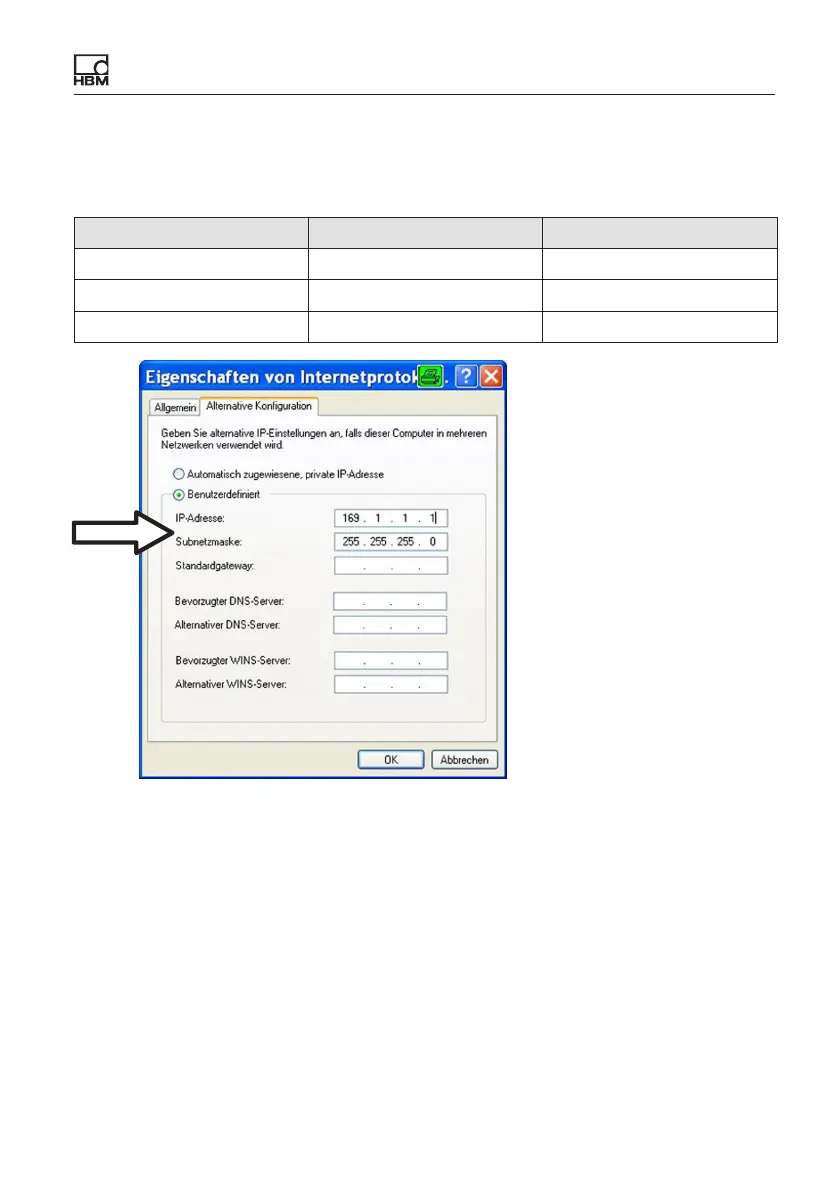
Setting the IP address manually
– PC side
Settings IP address Subnet mask
Module before 169.1.1.22 255.255.255.0
PC / notebook before 172.21.108.51 255.255.248.0
PC / notebook after 169.1.1.1 255.255.255.0
S Confirm twice with “OK”.
In future your computer will use the “Alternative Configuration” for the direct
connection.
Integrating modules in an Ethernet network
S Activate the DHCP checkbox and click on“OK”. The following confirmation
window then appears:









 To Next Page