Connecting individual QuantumX modules
64 A03031_24_E00_01 HBM: public QuantumX
Ethernet settings: adjust the IP address of your PC
If you want to operate the modules with a fixed, static IP address, you should
use the "Alternative Configuration" (fixed IP address and subnet mask,
userdefined) in the Ethernet adapter properties under TCP/IP the ”Alternative
Configuration” in the TCP/IP properties (fixed IP address and subnet mask,
user-defined)!
Edit the PCs settings as follows:
S Open the network connections (Start/Settings/Network connections).
S Mark your LAN connection with a right-click and select “Properties” in the
context menu.
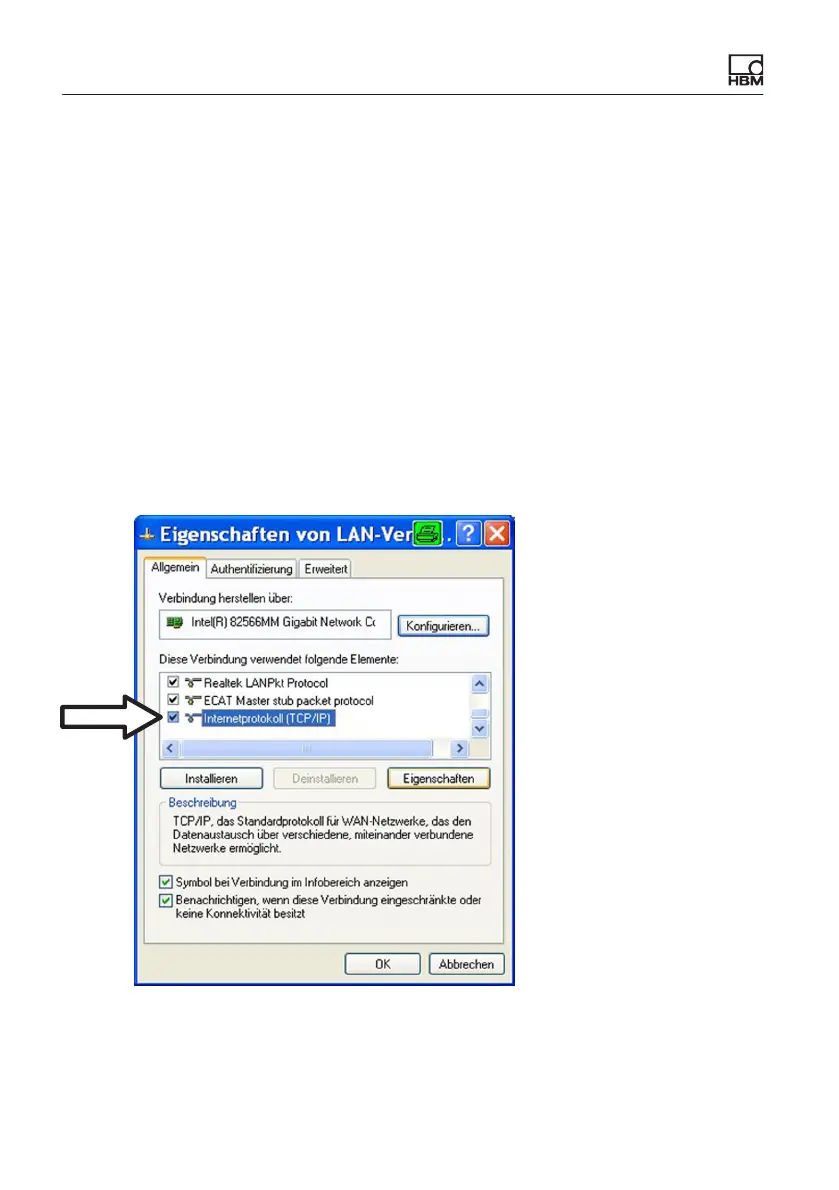
S Select the “General” tab and under“This connection uses the following
items” mark Internet (TCP/IP). Click on the “Properties” button.
S On the “Alternate Configuration” tab, select the “User-defined” option
and enter your data in the “IP address” and “Subnet mask” lines.









 To Next Page