Operator control/settings
62 A4774-1.0 HBM: public WTX110
5.3.3 Entering numbers with decimal places
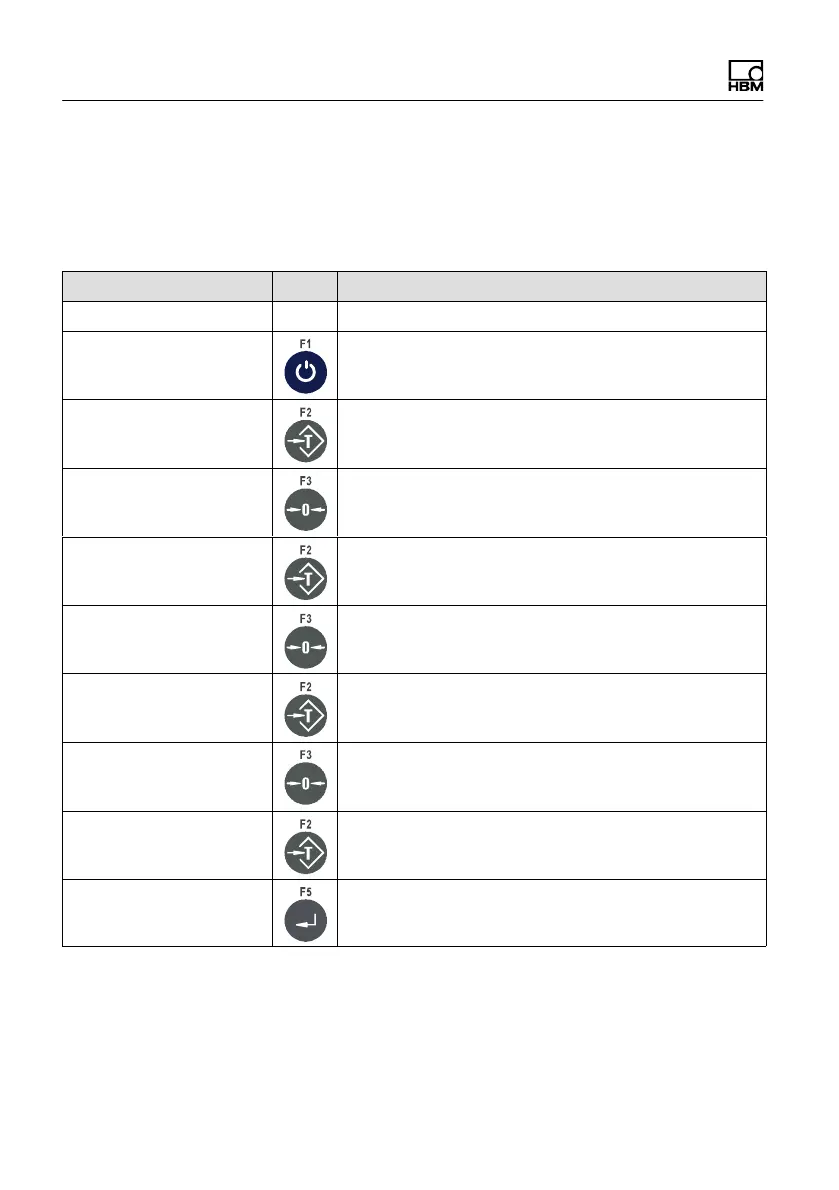
The following explains how to enter a sequence of digits with decimal places.
Here for example the sequence 0.001.
Display Key Description of key function
Interval 0.321
Interval 0.000 Clear all places
Interval 0.001 Keep pressing until the desired digit appears, e.g. 1
Interval 0.010 Press to move the digit one position to the left.
Interval 0.012 Keep pressing until the desired digit appears, e.g. 2
Interval 0.120 Press to move the digit one position to the left.
Interval 0.123 Keep pressing until the desired digit appears, e.g. 3
Interval 1.230 Press to move the digit one position to the left.
Interval 1.234 Keep pressing until the desired digit appears, e.g. 4
Interval 1.234 Apply value


 To Next Page