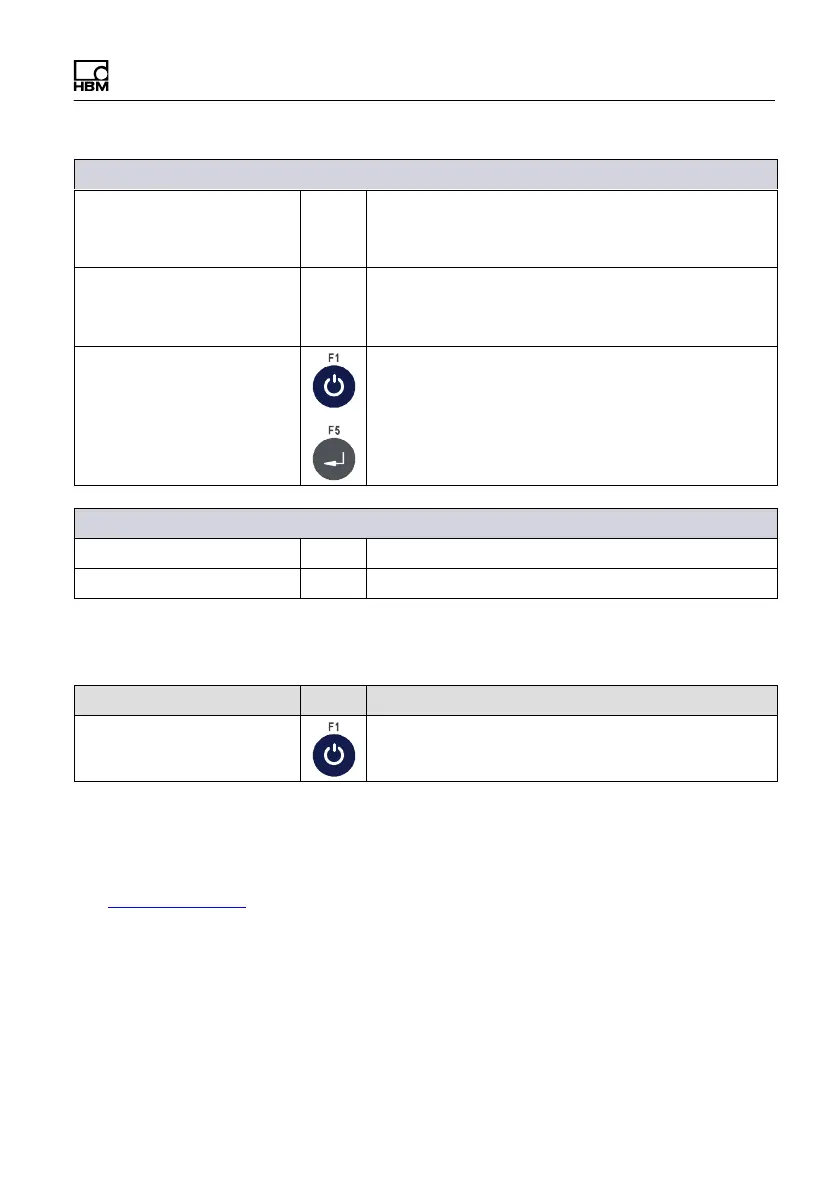
Service mode
WTX110 A4774-1.0 HBM: public 73
→Protocol AckNak or NoAck selected
Com1: Start char. 999 Enter the start character as a decimal value
(e.g. 2 = STX)
If you enter 0 no start character will be transferred
Com1: End char. 999 Enter the end character as a decimal value
(e.g. 3 = STX)
If you enter 0 no end character will be transferred
Com1: Checksum None Select checksum formation; the checksum is
transferred after the end character:
None No checksum
XOR Exclusive-Or combination
CPL Two's complement
→If start or end character entered and a checksum selected:
Com1: With start N Start character is included in checksum formation
Com1: With end N End character is included in checksum formation
6.1.3 Setting the serial interface (Com6 (DWB1))
Menu Key Function/Secondary selection
Interface Com6 (DWB1) K-WTX110-D-***-**-***-**-***-**
6.2 Enter parameter (General)
For more information on the keys necessary to access this menu group, go to
the Navigation Pilot.
In this menu group you can set various parameters, such as the language, time
zone, date, time, etc.


 To Next Page