Service mode
84 A4774-1.0 HBM: public WTX110
Function/Secondary selectionKeyMenu
Input Output
Item 4 3 2 1 4 3 2 1
G1: 0010 0001
Display of the status of the digital inputs/outputs.
The inputs are shown on the left, the outputs on
the right (1 = input/output set).
The digit keys can be used to set and reset the
corresponding outputs (e.g. key 1 for output 1).
The display above indicates the status:
Inputs 1, 3, 4 = off Output 1 = on
Input 2 = on Outputs 2-4 = off
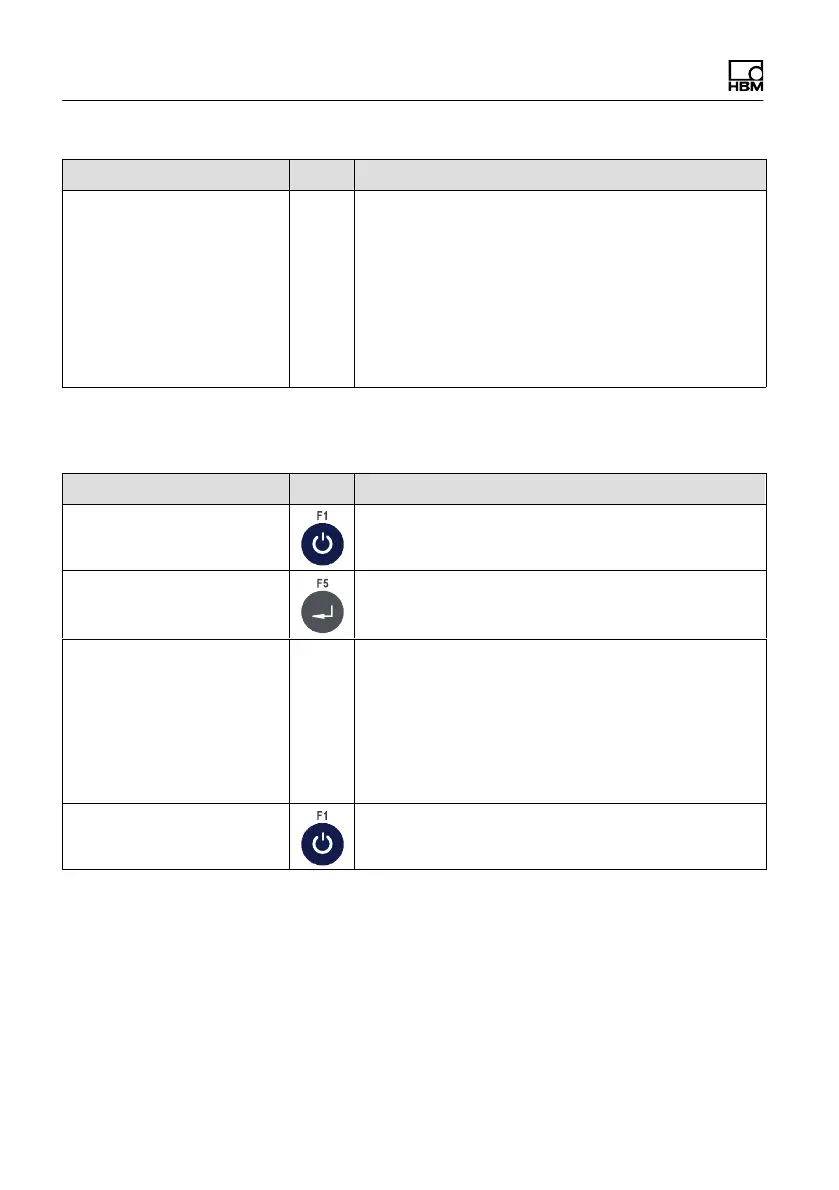
6.5.2 Test serial interfaces (Test: Serial IO)
Menu Key Function/Secondary selection
Test: Digital IO
Test: Serial IO
Com1: not ok Test serial interface for RS232 and RS485 4-wire
• RS232: Jumper from terminal 1 to 3 (TxD with
RxD) and from terminal 2 to 4 (Connect RTS to
CTS)
• RS485-4: Jumper from terminal 1 to 3 (TxD
with RxD) and from terminal 2 to 4 (TxD+ with
RxD+)
Com2: not ok Continue with next interface


 To Next Page