Operator control/settings
WTX110 A4774-1.0 HBM: public 59
5.3 Example of entries via WTX110 display keys
The following sections explain the operator control sequence based on the
displayed user guidance texts and the corresponding entries.
The displays are shown on the left-hand side.
The following sections present examples of the input of alphanumeric
characters and numbers.
5.3.1 Alphanumeric entry
The following explains how the character string E1c can be entered based on
the example of an FTP password entry.
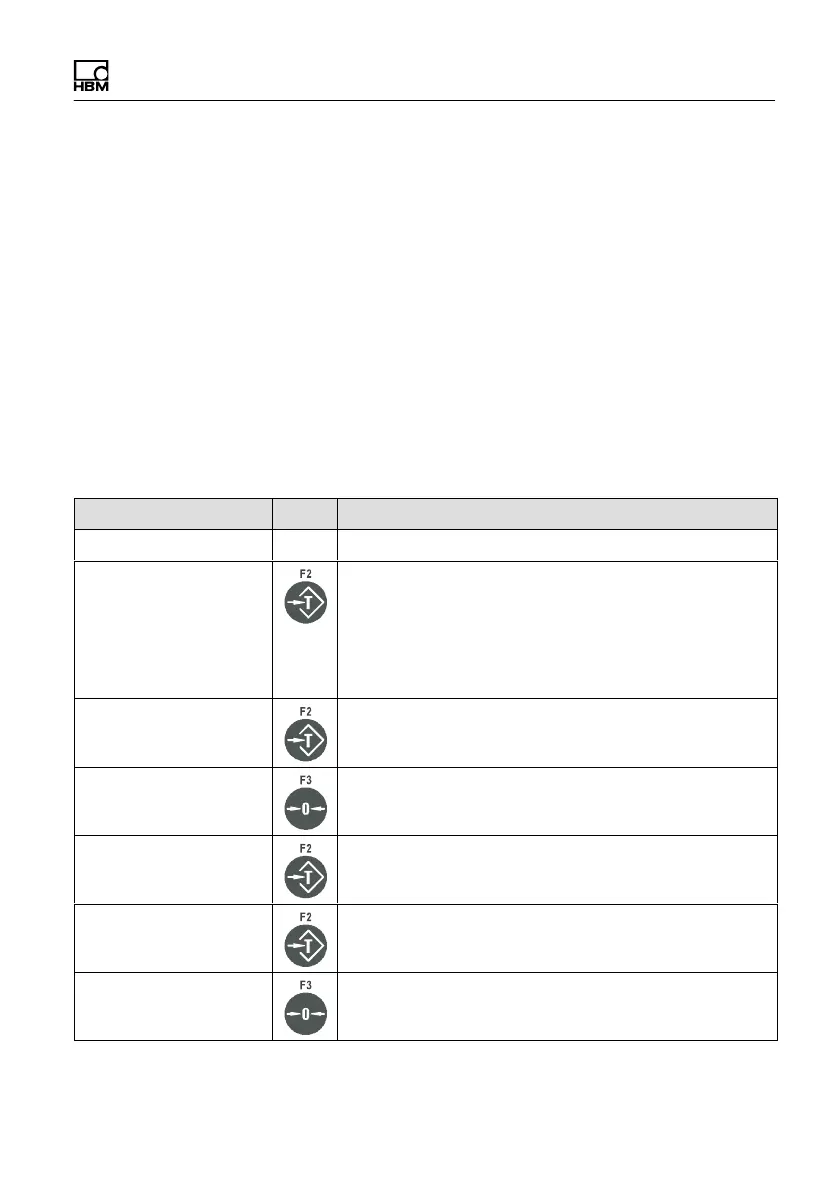
Display Key Description of key function
FTP pwd:
FTP pwd:A Hold to change entry mode.
The entry switches between:
A =upper case
a =lower case
0 =numbers and special characters
FTP pwd:E Keep pressing until the desired letter appears, e.g. E
FTP pwd:EA Press to create a new digit position
FTP pwd:E0 Hold to change entry mode.
FTP pwd:E1 Hold to change entry mode,
e.g. 1
FTP pwd:E10 Press to create a new digit position


 To Next Page