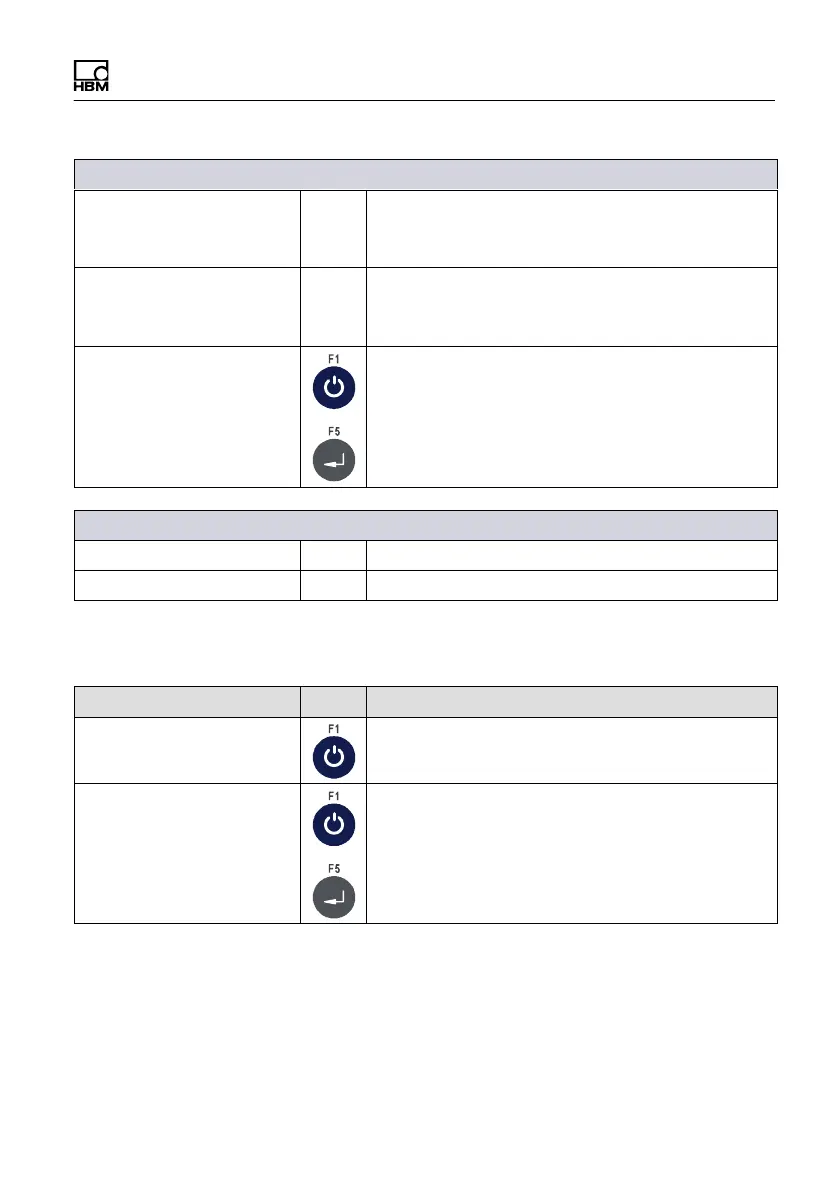
Service mode
WTX110 A4774-1.0 HBM: public 71
→Protocol AckNak selected
Com0: Start char. 999 Enter the start character as a decimal value
(e.g. 2 = STX)
If you enter 0 no start character will be transferred
Com0: End char. 999 Enter the end character as a decimal value
(e.g. 3 = STX)
If you enter 0 no end character will be transferred
Com0: Checksum XOR Select checksum formation; the checksum is
transferred after the end character:
None No checksum
XOR Exclusive-Or combination
CPL Two's complement
→If start or end character entered and a checksum selected
Com0: With start N Start character is included in checksum formation
Com0: With end N End character is included in checksum formation
6.1.2 Setting the serial interface (interface: Com1 (SIM))
Menu Key Function/Secondary selection
Interface Com1 (SIM1)
Com1: Baud: 9600 Select the baud rate of the Com1 interface:
300, 600, 1200, 2400, 4800, 9600,
[19200], 38400, 57600, 115200


 To Next Page