Operator control/settings
WTX110 A4774-1.0 HBM: public 63
5.4 Operating the weighing functions
The basic step for all processes is displaying the current continuous weight
value. In this step the basic weighing functions can be called and displayed.
A precondition for the following processes is the settings in Service mode:
'Print mode: Standard' and 'Auto Tare?=N.
See section 'Print mode' and 'Auto Tare'.
Further information is available from your supplier.
5.4.1 Tare functions
In Service mode, various tare functions can be assigned to the 'General' group.
A precondition for the following processes is the settings in Service mode:
'Print mode: Standard' and 'Auto Tare?=N.
Further information is available from your supplier.
5.4.2 Set / delete tare (Tare mode: Gross/Net)
Every time the Tare key is pressed, the display changes from Gross to Net and
back (setting 'Tare mode: Gross/Net'). This is the usual tare function, which is
suitable for most applications.
Display Key/Action Description
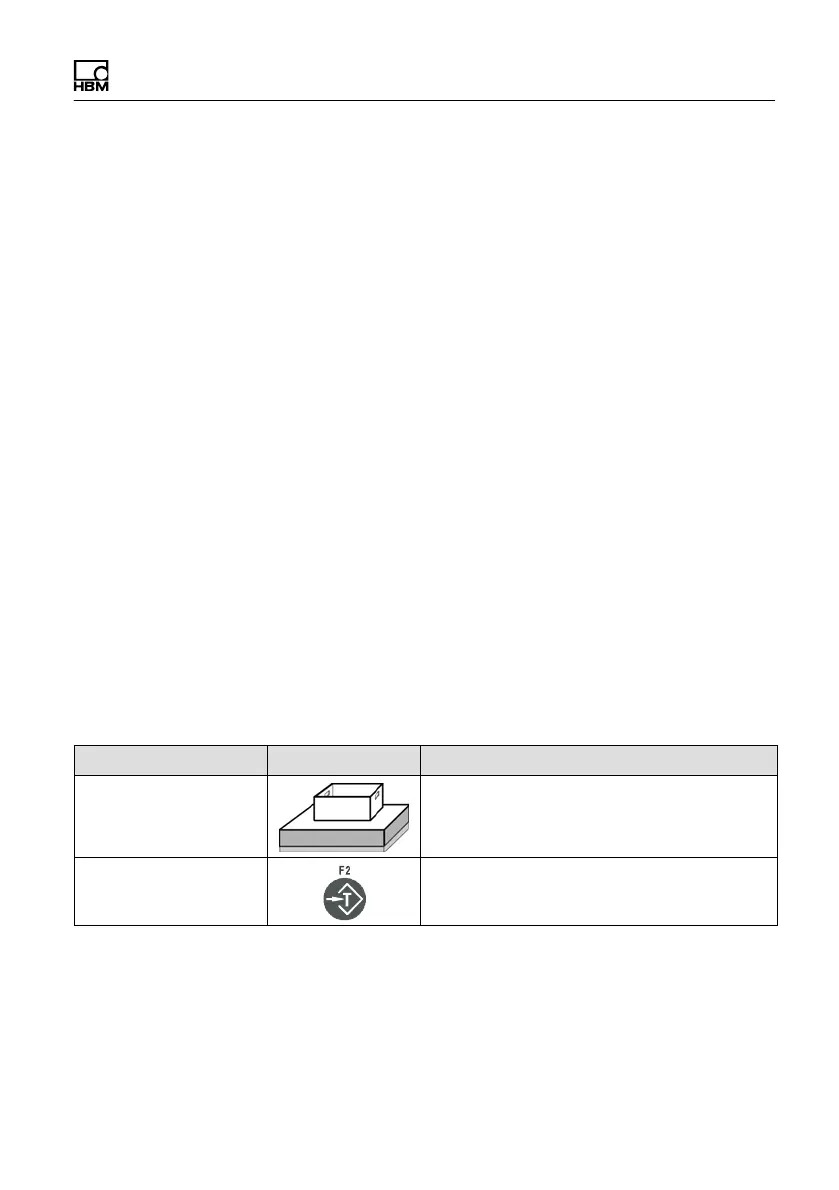
8.0 kg Set container in place
Tare


 To Next Page