Service mode
WTX110 A4774-1.0 HBM: public 79
Cont: Out rate: 5 Enter the number of updates of the continuous
output per second
:G8 <See manual> Character string see also section 14.2
6.3 Calibrate scale (Calibration )
Information
This chapter describes only the detailed method of accessing the
Calibration group. You will find the complete description of the calibration
process in chapter 11 , page 159.
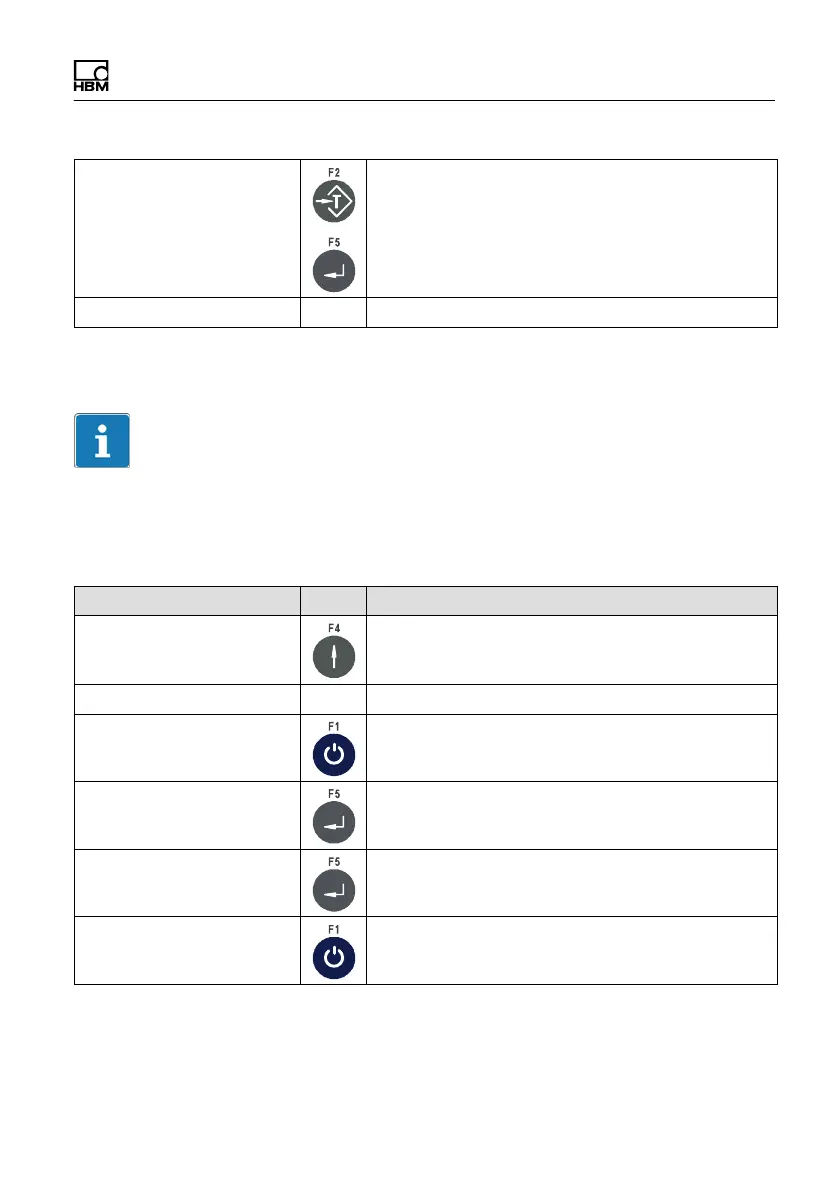
Menu Key Function
Standard Switch from Standard to version notice
WTX110V#.# Display the current firmware version number
Call password entry within 3 seconds
Password 324 Enter the password
1 Service mode Call Service mode
Service: Interface Press twice to switch to the Calibration group
options


 To Next Page