Service mode
WTX110 A4774-1.0 HBM: public 89
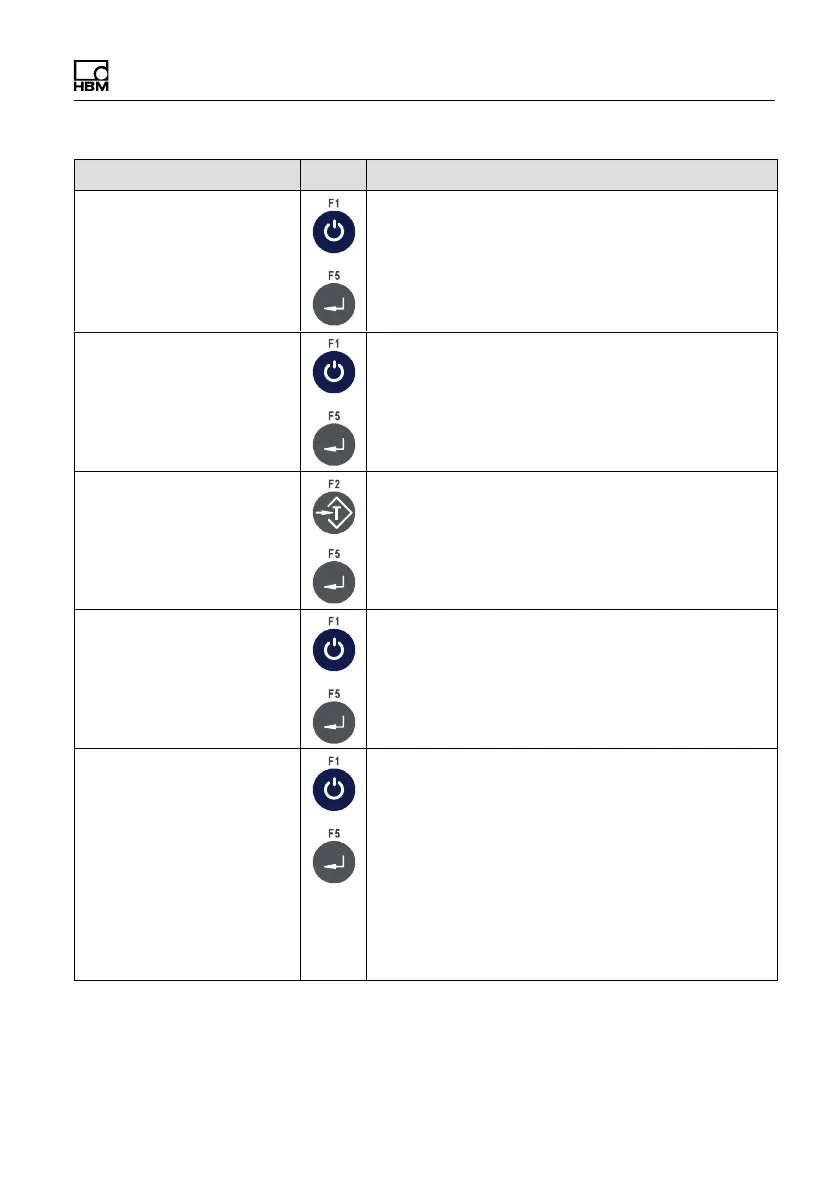
Function/Secondary selectionKeyMenu
PanelX access On Set PanelX access authorization
On Activate PanelX access authorization
Off Deactivate PanelX access authorization
Set PanelX password No Set PanelX password
N Set password is retained (default: "wtx")
Y New PanelX password can be entered
Notice: Password will be retained even if Service
mode is reset!
Access no. 5 Set the number of possible simultaneous
accesses (1-9)
Update SSL cert No No No action
Yes Create a new SSL certificate
Notice: For further information on updating the
SSL certificate refer to section 12
"PanelX Schnittstelle," page 196.
Start auto ping N N Do not send
Y Start sending ICMP packets to the
gateway
Note: In some networks it might be necessary for
the weighing terminal to send data packets at
regular intervals, because the intermediate point
(gateway, router or switch) cuts the connection if
there is no communication for a lengthy period of
time. If Auto PINGis activated, an ICMP packet is
sent every 60 seconds.


 To Next Page