Operating Instructions • Thermal transfer printer TT431 • 03-2019 • 556-00400
Layout and function
7
GBDEFRESPTITNLDKNESEFIPLCZHUSIROTR
4.2 Touchscreen display
With the touchscreen display, the user can control
operation of the device, for example:
• Interrupting, resuming or cancelling print jobs,
• Setting the print parameters, e.g. heat energy of the
printhead, print speed, configuration of the interfaces,
language and time,
• Controlling stand-alone operation with storage medium,
• Performing firmware updates.
Æ Configuration instructions
Several functions and settings can also be controlled
using the printer's own commands with software
applications or with direct programming with a
computer.
Æ Programming instructions
It is advantageous to make adjustments in the software for
different print jobs.
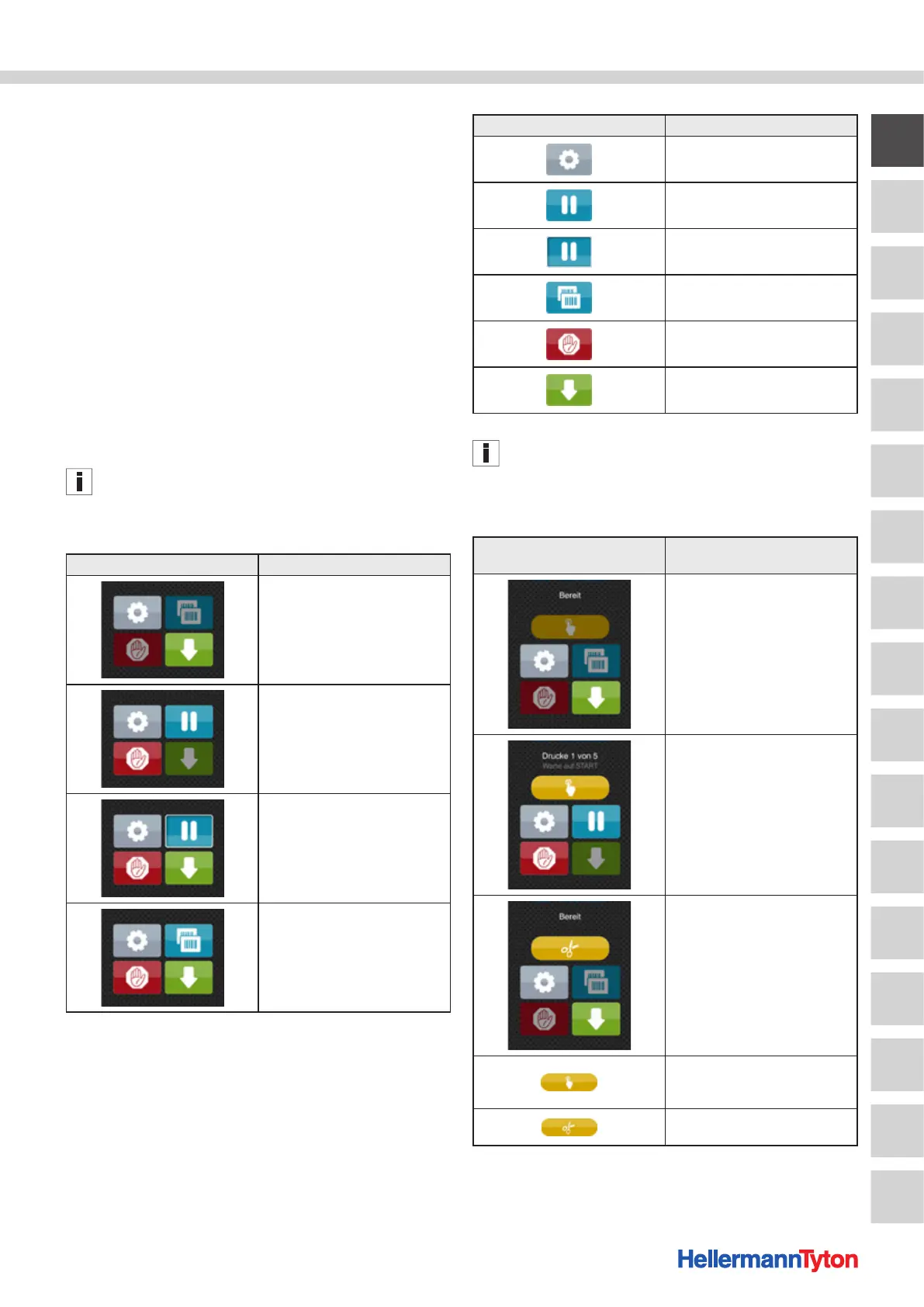
4.2.1 Start screen
Start screen Meaning
After switching on
While printing
When paused
After a print job
The touchscreen is actuated by direct finger pressure:
• To open a menu or select a menu item, briefly tap on the
corresponding symbol.
• To scroll in lists, swipe with your finger up or down on
the display.
Buttons on the start screen Meaning
Jump to the menu
Interrupt the print job
Resume the print job
Repeat the last material
Cancel and delete all
print jobs
Material feed
Inactive buttons are shaded.
With certain software or hardware configurations,
additional symbols appear on the start screen:
Optional buttons on the start
screen
Meaning
Printing on demand without print
job (single print mode)
Printing on demand with print job
(single print mode)
Direct cut with connected cutter
(accessories)
Start printing incl. dispensing,
Cutting or similar of an individual
material in the print job
Triggering a direct cut without
material transport


 To Next Page
 Loading...

