12-12
12
SET MODE
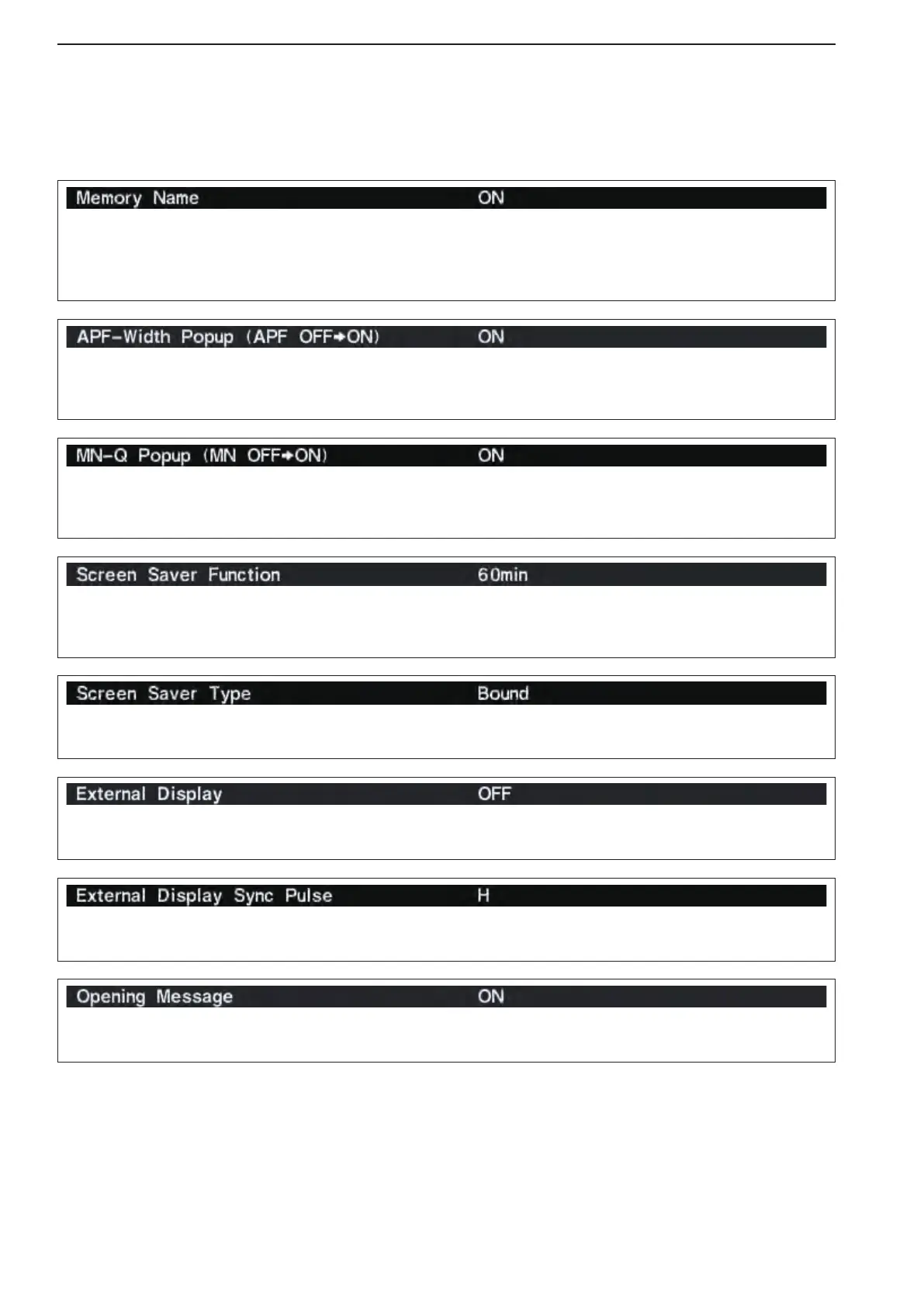
Selects the pop-up display for the APF filter width
from ON or OFF.
(default: ON)
Turns the pop-up indication capability when the notch
filter width is changed from OFF to ON.
(default: ON)
Select “ON” when the external display is connected.
(default: OFF)
•Atleast800×600 pixel resolution is required for the dis-
play.
Selects the suitable pulse level for the connected ex-
ternal display from H and L. (default: H)
Turns the opening message screen indication capa-
bility ON or OFF. (default: ON)
Sets the memory name indication, during memory
mode operation, ON or OFF. (default: ON)
•ON :Theprogrammedmemorynameisdisplayed
above the frequency indication.
•OFF:Nomemorynameisdisplayedevenamem-
ory name is programmed.
■ Display set mode (continued)
Turns the screen saver function ON (15, 30 or 60
minutes) and OFF. (default: 60 min.)
The screen saver will acts when no operation is per-
formed for the selected time period to protect the LCD
from the “burn-in” effect.
Selects the screen saver type from “Bound,” “Rota-
tion” and “Twist.” (default: Bound)
The screen saver indication can be displayed for your
referencewhileholdingdown[F-5•PREVIEW].



 To Next Page