12-14
12
SET MODE
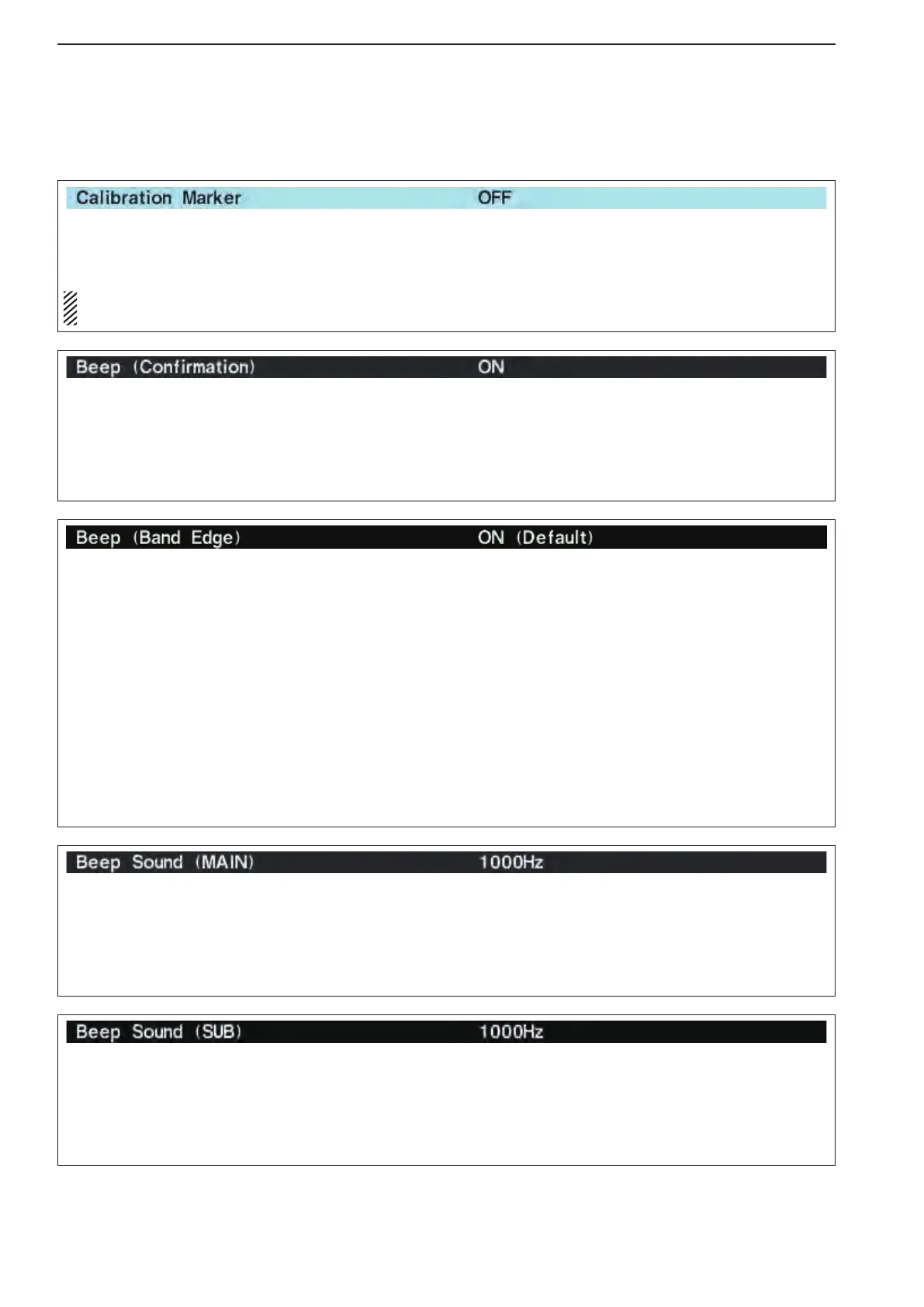
Sets the desired key-touch beep sound frequency
during main readout operation within 500 to 2000 Hz
in 10 Hz steps. (default: 1000 Hz)
Set the different frequency from “Beep Sound (SUB)”
as below to distinguish between main and sub.
Sets the desired key-touch beep sound frequency
during sub readout operation within 500 to 2000 Hz in
10 Hz steps. (default: 1000 Hz)
Set the different frequency from “Beep Sound (MAIN)”
as above to distinguish between main and sub.
■ Others set mode
This item is used for a simple frequency check of the
transceiver. (default: OFF)
See page 13-5 for calibration procedure.
NOTE: Turn the calibration marker OFF after
checking the frequency of the transceiver.
A beep sounds each time a switch is pushed to con-
firm it. This function can be turned OFF for silent op-
eration. (default: ON)
The beep output level can be set in level set mode.
(p. 12-5)
When you tune into or out of an amateur band’s fre-
quency range, a beep sounds. This functions inde-
pendently of the confirmation beep setting.
The beep output level can be set in level set mode.
(p. 12-5)
When“ON(User)”or“ON(User)&TXLimit”isse-
lected, [BAND] appears in the display above the func-
tion switch (F-5). Up to 30 band edge frequencies can
be programmed in the band edge screen.
(see the page 3-14 for programming details.)
•OFF :BandedgebeepisOFF.
•ON(Default) :When you tune into or out of the
default amateur band’s frequency
range, a beep sounds. (default)
•ON(User) :Whenyoutuneoutsideof,orback
into a user programmed amateur
band’s frequency range, a beep
sounds.
•ON(User)&TXLimit
: When you tune outside of, or back
into a user programmed amateur
band’s frequency range, a beep
sounds. Transmission is also inhib-
ited outside the programmed band.



 To Next Page