1-11
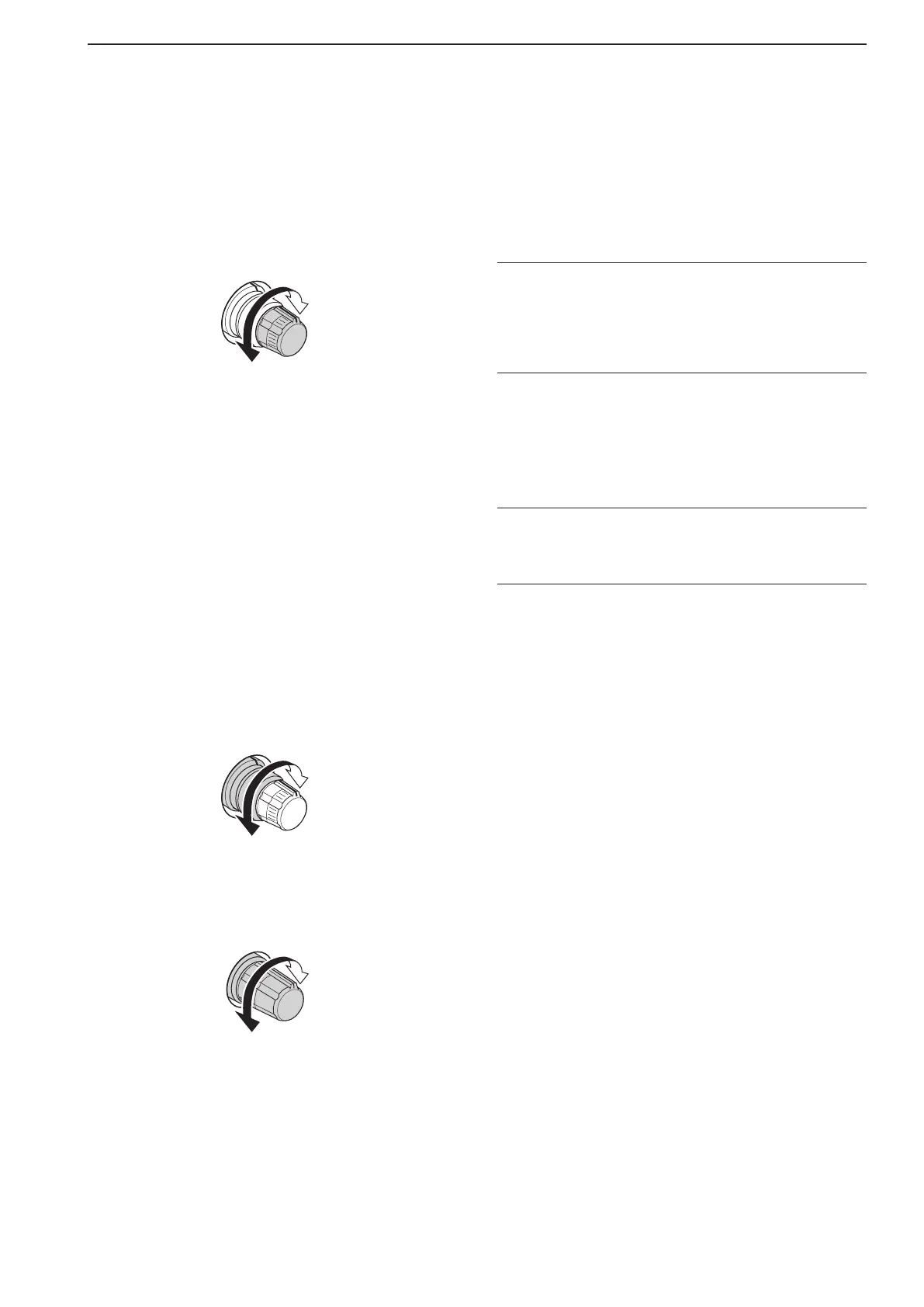
*5 DIGITAL RF SELECTOR CONTROL [DIGI-SEL]
(for MAIN band; p. 5-20)
*6 DIGITAL RF SELECTOR CONTROL [DIGI-SEL]
(for SUB band; p. 5-20)
Adjusts the digital RF selector center frequency.
•Thecontrolcanbereassignedastheaudiopeakfilter
adjustment (p. 12-19)
Higher
frequency
Lower
frequency
*7 DIGITAL RF SELECTOR SWITCH [DIGI-SEL]
(for MAIN band; p. 5-20)
*8 DIGITAL RF SELECTOR SWITCH [DIGI-SEL]
(for SUB band; p. 5-20)
Turns the digital RF preselector ON or OFF.
•The[DIGI-SEL]indicatorlightsgreenwhentheprese-
lector is in use.
*9 MANUAL NOTCH FILTER CONTROL [NOTCH]
(for SUB band; outer control; p. 5-20)
(0 MANUAL NOTCH FILTER CONTROL [NOTCH]
(for MAIN band; outer control; p. 5-20)
Variesthe“valley”frequencyofthemanualnotch
filter to reject an interfering signal while the manual
notch function is ON.
•Notchfiltercenterfrequency:
SSB : –1060 Hz to 4040 Hz
CW : CW pitch freq. + 2540 Hz to CW pitch freq.
–2540 Hz
AM : –5100 Hz to 5100 Hz
Higher
frequency
Lower
frequency
(1 CW PITCH CONTROL [CW PITCH] (p. 4-5)
Shifts the received CW audio pitch and the CW
side tone pitch without changing the operating fre-
quency.
High
frequency
Low
frequency
(2 RIT SWITCH [RIT] (p. 5-11)
➥ Turns the RIT function ON or OFF when
pushed.
•Use[RIT/∂TX] control to vary the RIT frequency.
➥ Adds the RIT shift frequency to the operating fre-
quency when held down for 1 second.
✔ What is the RIT function?
Receiver incremental tuning (RIT) shifts the receive fre-
quency without shifting the transmit frequency.
This is useful for fine tuning stations calling you on off-fre-
quency or when you prefer to listen to slightly different-
sounding voice characteristics, etc.
(3 ∂TX SWITCH [∂TX] (p. 6-4)
➥ Turns the ∂TX function ON or OFF when
pushed.
•Use[RIT/∂TX] control to vary the ∂TX frequency.
➥ Adds the ∂TX shift frequency to the operating
frequency when held down for 1 second.
✔ What is the ∂TX function?
∂TX shifts the transmit frequency without shifting the receive
frequency. This is useful for simple split frequency operation
in CW, etc.
(4 CLEAR SWITCH [CLEAR] (pp. 5-11, 6-4)
Clears the RIT/∂TX shift frequency when held down
for 1 second or when pushed momentarily, depend-
ing on the quick RIT/∂TX clear function setting (p.
12-18)
.
(5 QUICK TUNING SWITCH [TS] (for MAIN band)
(6 QUICK TUNING SWITCH [TS] (for SUB band)
➥
Turns the quick tuning step ON or OFF. (p. 3-6)
•Whilethequicktuningindicator,“Z,” is displayed
above the frequency indication, the frequency can
be changed in programmed kHz steps.
•0.1,1,5,9,10,12.5,20and25kHzstepsareavail-
able for each operating mode independently.
➥ When the quick tuning step is OFF, held down
for 1 second to turn the 1 Hz tuning step ON or
OFF. (p. 3-7)
➥
When the quick tuning step is ON, hold down for
1 second to enter quick tuning step set mode. (p.
3-6)
(7 SPEECH SWITCH [SPEECH]
(for MAIN band; p. 13-3)
(8 SPEECH SWITCH [SPEECH]
(for SUB band; p. 13-3)
➥ Push to announce the S-meter indication and the
selected readout frequency.
➥ The selected operating mode is additionally an-
nounced when held down for 1 second.
1
PANEL DESCRIPTION



 To Next Page