Model 250
Printer Applicator
Operators/Technical Manual Section Three
Section 3 Page 5 of 19
The optional 250 Beacon can be used to view and/or notify operators of the conditions
and or status of the 250 applicator.
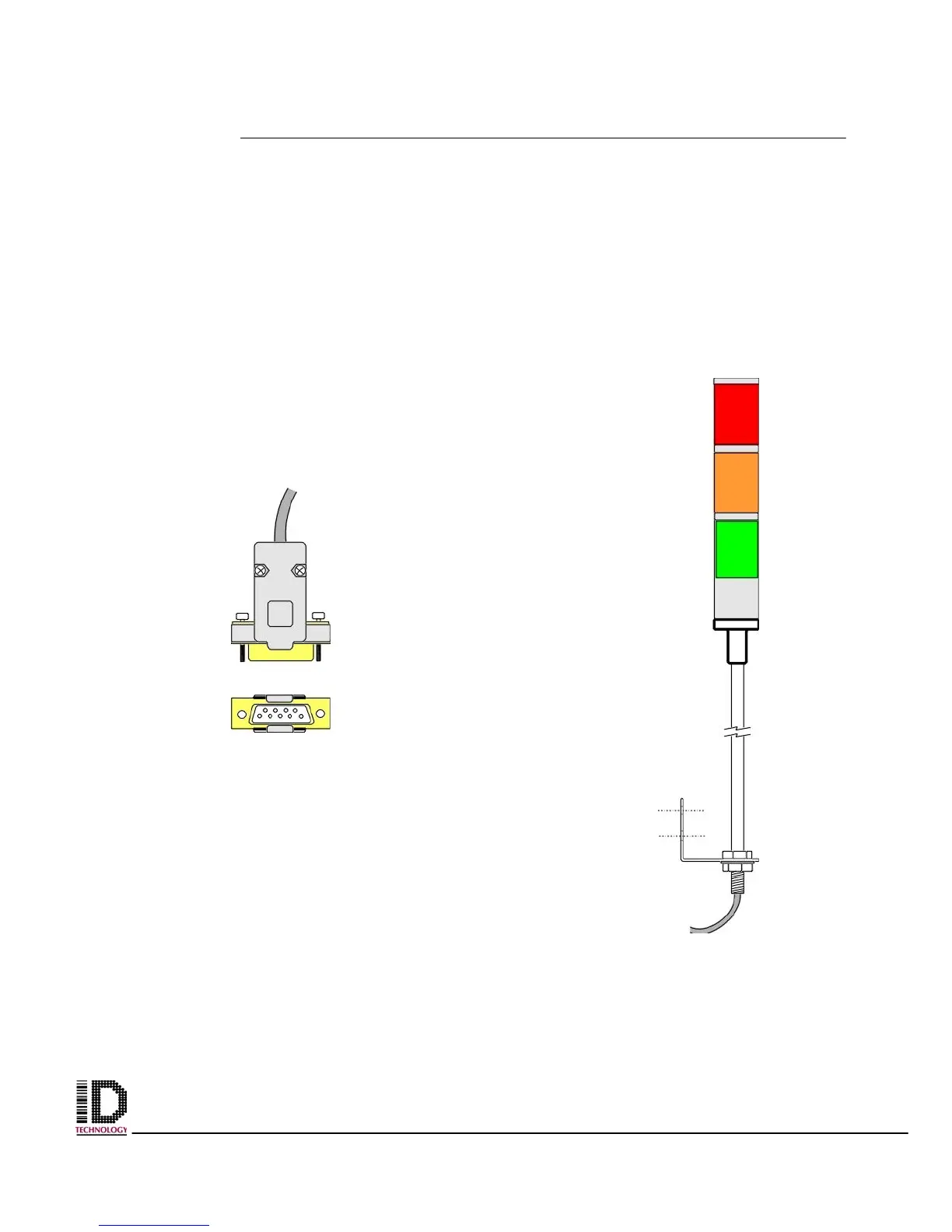
The beacon plugs into the back of the electronics module. (see figure 3-6, reference item
# 6. The beacon connects to the 250 via a 9-pin plug. (Figure 3-8)
The beacon can be mounted to the back of the faceplate or a variety of other places
convenient to the operator, using 2 1/4X20 bolts.
The L bracket is attached to the bottom of the beacons mounting pole. The beacon is
capable of displaying the status of conditions and events of the 250 printer applicator.
Figure 3-8 9-pin plug – connects beacon to
the applicator via the electronics panel
located on the back panel of the 250.
Figure 3-9 three-stage beacon alerts
operators to conditions and status of
the 250 applicator
.



 To Next Page