Model 250
Printer Applicator
Operators/Technical Manual Section Five
Section 5 Page 15 of 18
4. Dwell Tamp – Increasing the value of this setting/toggle will cause the tamp
to remain in the extended position longer. Decreasing the value will shorten
the time the cylinder stays extended. This adjustment does NOT affect the
speed or power of the cylinder extending or retracting. To adjust the speed
at which the cylinder extends, you would use the flow control valve on the
top of the cylinder and to control the speed at which the cylinder retracts,
you would adjust the flow control valve on the bottom of the cylinder. This
also affects the power at witch the cylinder extends. Care should be taken
in using these adjustments to avoid crushing the product or damaging the
cylinder module.
5. Delay Label Feed – This adjustment affects the time the label is printed and
feed onto the tamp pad. Used with longer stroke cylinders or slower flow
speeds, to give the cylinder time to return to the home position.
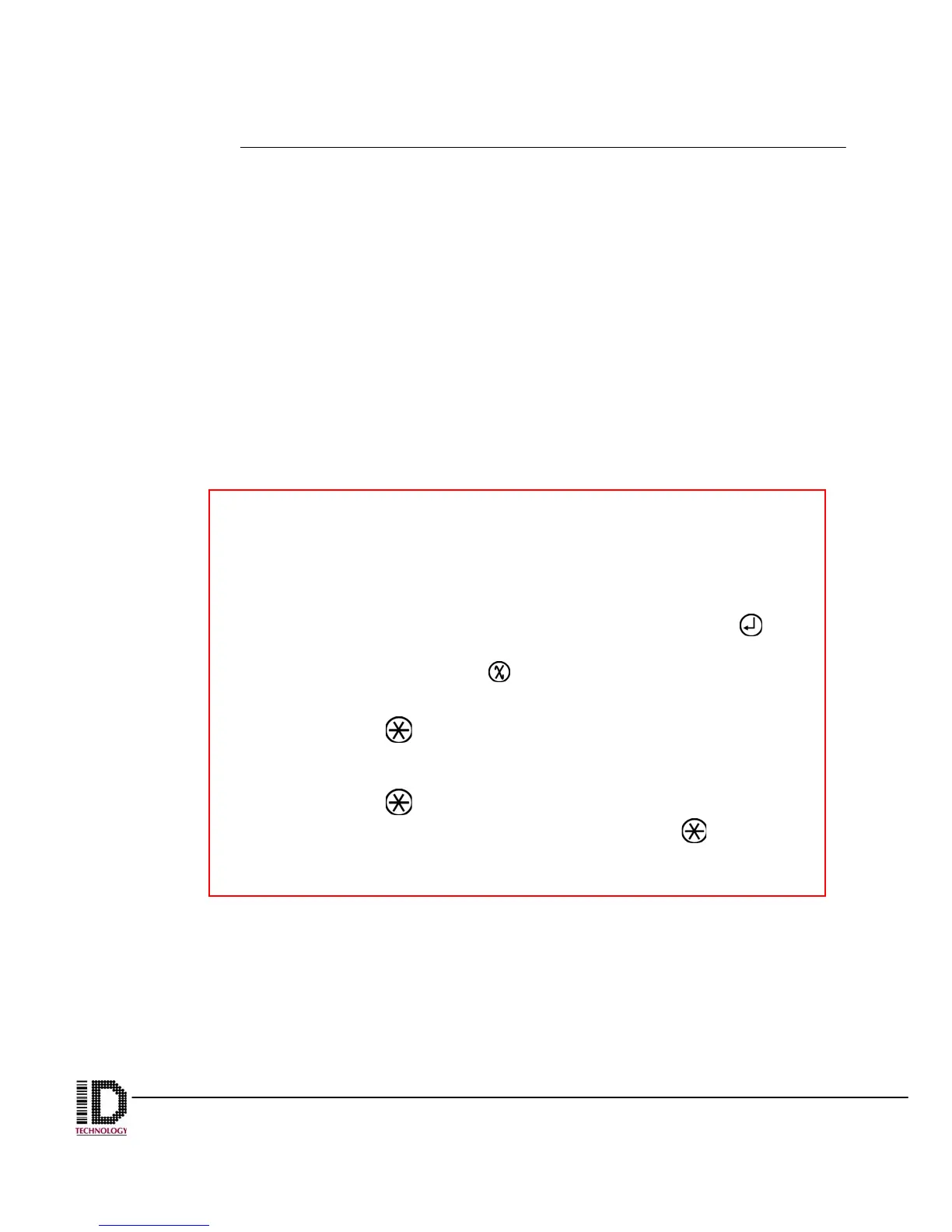
When changing the times in the Dwells and Delays section, there are
two features to take note of:
• Changing the values affect the machine while it is running. For
example, while the line is running, increasing or decreasing the
Delay Apply value will affect the label position on the box in real
time. Once the desired value is displayed, pressing the key
will set the value as current. If you do not wish to keep the
change, simply press the
key to discard the change and
revert to the previous value.
• Pressing the key when changing a time value will change the
amount that each press of the up and down arrows will alter the
value. The default when entering a screen is a jump of 1.
Pressing the
key will change the jump value to 10 and a
second press will change it to 100. Pressing the key one
more time will return you to single digits.



 To Next Page