- 232 - - 233 -
Table of setting items in the device setup screen Table of setting items in the device setup screen
1
2
3
5
4
1
2
3
5
4
Convenient print
functions
Appendix Index
Checking and
Changing Printer
Settings Using
the Control Panel
Network
Setup
Matching
Colors
Using Utility
Software
Convenient print
functions
Appendix Index
Checking and
Changing Printer
Settings Using
the Control Panel
Network
Setup
Matching
Colors
Using Utility
Software
[Conguration]
Item Details
Tray Count MPTray nnnnnn Displays the total print quantity for the Multi-Purpose Tray.
(This is the number of sheets fed from the Multi-Purpose
Tray.)
Tray1 nnnnnn Displays the total print quantity for tray 1. (This is the
number of sheets fed from the tray 1.)
Tray2
*1
Tray3
*1
Tray4
*1
Tray5
*1
*1: The optional
expansion tray
unit is displayed
when mounted.
nnnnnn Displays the total print quantity for each tray. (This is the
number of sheets fed from each tray.)
Supplies Life Cyan Toner (n.nK) Remaining
nnn%
Displays the remaining toner amount percentage for each
color.
Magenta Toner
(n.nK)
Remaining
nnn%
Yellow Toner (n.nK) Remaining
nnn%
Black Toner (n.nK) Remaining
nnn%
White Toner
(n.nK)
*2
*2: Displayed with
CS5000 only.
Remaining
nnn%
Clear Toner
(n.nK)
*2
*2: Displayed with
CS5000 only.
Remaining
nnn%
Cyan Drum Remaining
nnn%
Displays the remaining service life percentage of the cyan
image drum.
Magenta Drum Remaining
nnn%
Displays the remaining service life percentage of the
magenta image drum.
Yellow Drum Remaining
nnn%
Displays the remaining service life percentage of the yellow
image drum.
Black Drum Remaining
nnn%
Displays the remaining service life percentage of the black
image drum.
White Drum
*2
*2: Displayed with
CS5000 only.
Remaining
nnn%
Displays the remaining service life percentage of the white
image drum.
Clear Drum
*2
*2: Displayed with
CS5000 only.
Remaining
nnn%
Displays the remaining service life percentage of the clear
image drum.
Waste Toner Box Remaining
nnn%
Displays the remaining service life percentage of the waste
toner box.
Belt Remaining
nnn%
Displays the remaining service life percentage of the belt
unit.
Fuser Remaining
nnn%
Displays the remaining service life percentage of the fuser
unit.
z
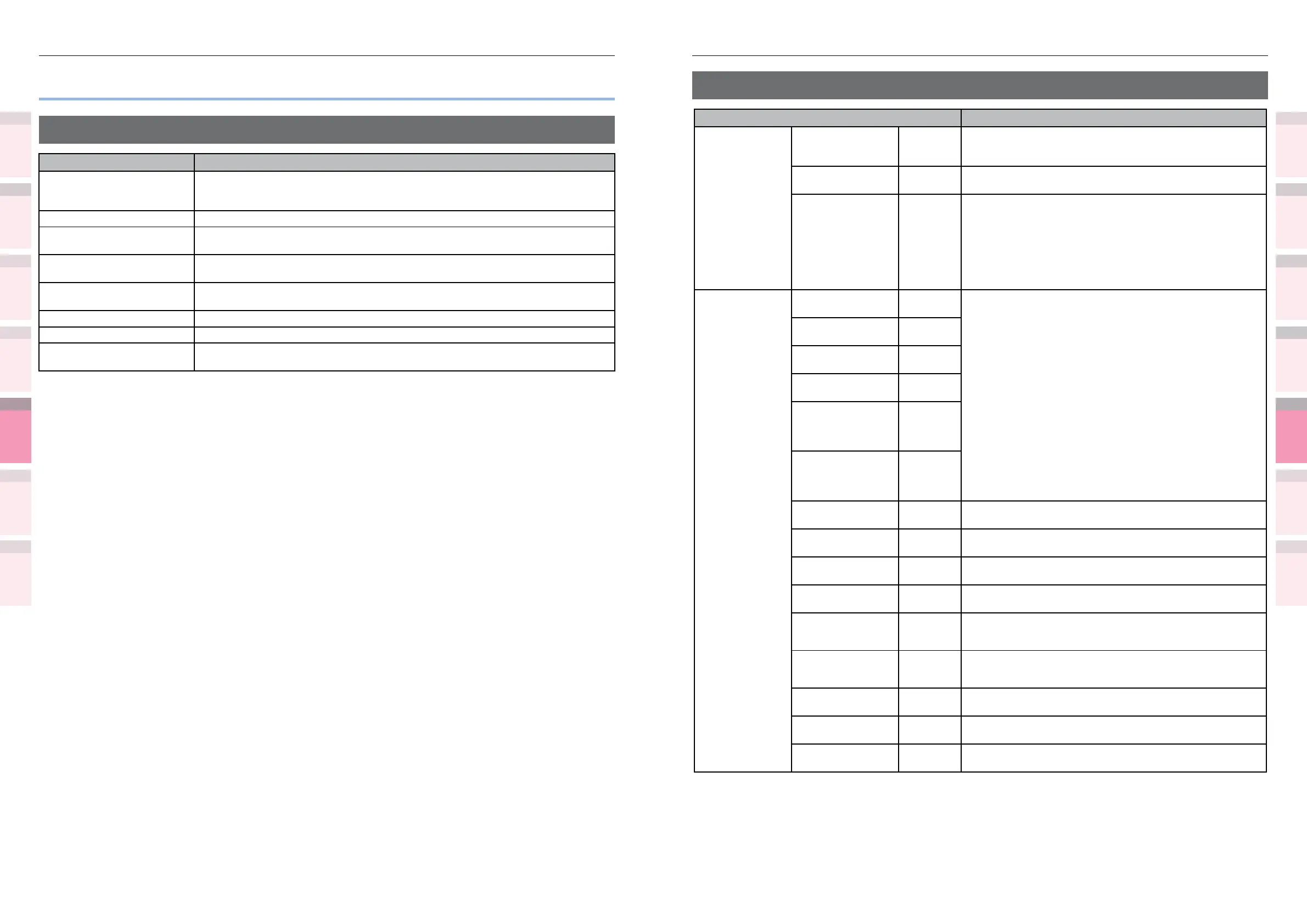
Table of setting items in the device setup screen
Device setup screen
Item Details
Conguration You can check the device information (i .e., total number of sheets in each tray,
remaining consumables quantity, paper size set in each tray, system information,
etc.).
Print Information You can print the settings and font list of this machine.
Print Secure Job You can save print jobs to the device HDD, and enter a password to print.
Displayed when the HDD is mounted.
Menus You can set the tray conguration, system settings, print position compensation,
and color, etc.
Admin Setup This is the menu by which the administrator sets the network settings, changes
passwords, etc.
Print Statistics You can check the print use status of the user.
Calibration You can adjust the color densities and shades, and color misalignment, etc.
Boot Menu You can set whether or not to restart the printer when a malfunction occurs in the
HDD or le system, etc.



 To Next Page