- 204 - - 205 -
Setting the network from the web browser Setting the network from the web browser
5
1
2
4
3
5
1
2
4
3
Convenient print
functions
Appendix Index
Checking and
Changing Printer
Settings Using
the Control Panel
Network
Setup
Matching
Colors
Using Utility
Software
Convenient print
functions
Appendix Index
Checking and
Changing Printer
Settings Using
the Control Panel
Network
Setup
Matching
Colors
Using Utility
Software
Notifying errors periodically
using e-mail
Notifying malfunctions periodically
If using periodic notications, disable sleep
mode.
1
Log in as an administrator.
Reference
z
See “Logging in as an administrator” (P.184).
2
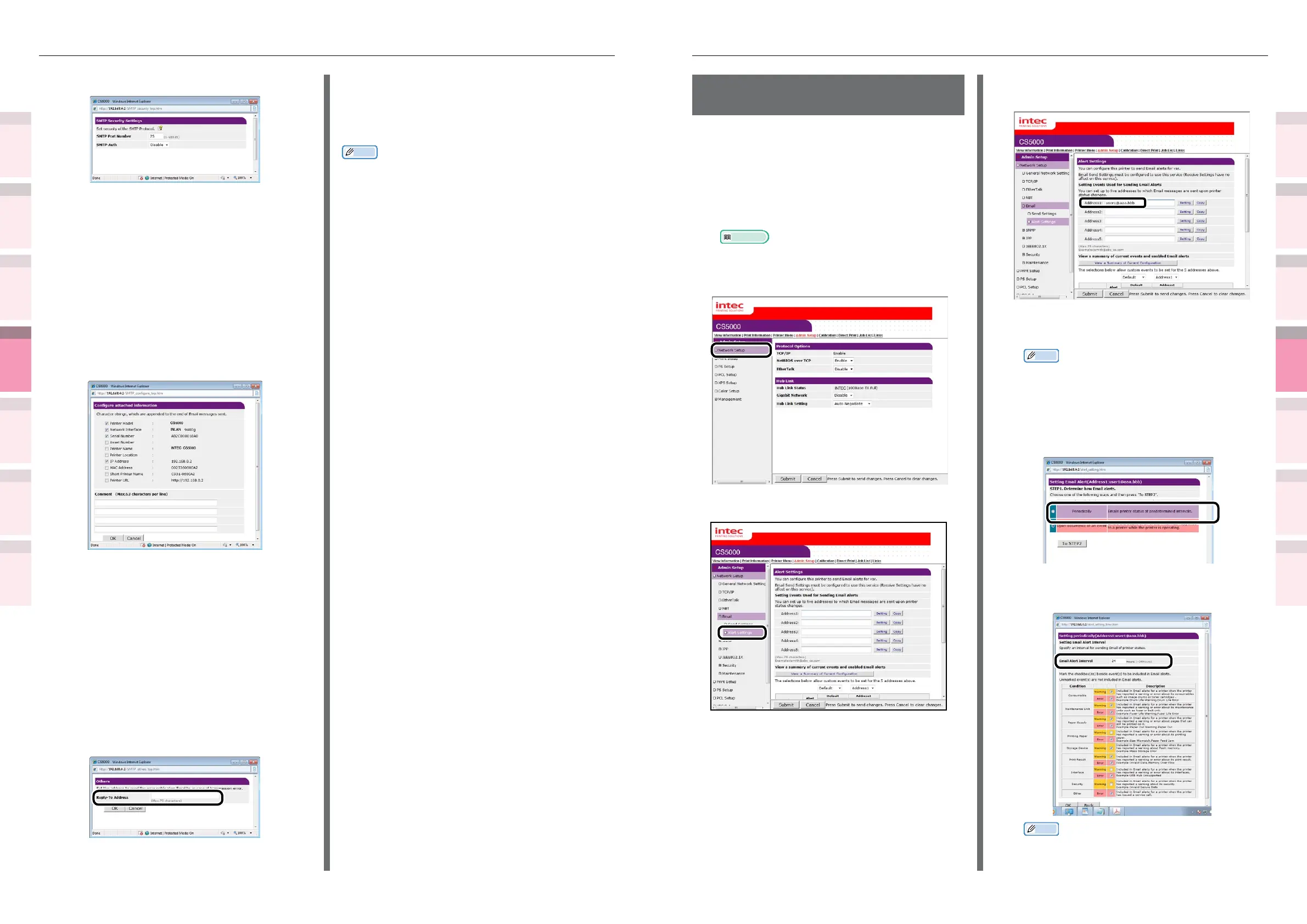
Click [Admin Setup]>[Network Setup].
3
Click [Email]>[Alert Settings].
4
Enter the mail address of the
malfunction notice recipient.
5
Click the [Setting] button for the e-mail
address that has been set.
Memo
z
Click the [Copy] button to copy the malfunction
notice information settings to another address. It is
convenient to set the same malfunction notication
conditions in multiple addresses.
6
Enable the [Periodically] check box, and
click [To STEP2].
7
Set the interval for sending mail in
[Email Alert Interval].
Memo
z
If no errors for notication occur within the period,
no mail will be sent.
7
Select [Security Settings].
8
Set the mail server port number in
[SMTP Port Number].
9
[Enable] the [SMTP-Auth].
(1)
Set the user ID to connect to the
mail server in [User ID].
(2)
Set the password to connect to the
mail server in [Password].
10
Click [Congure attached information].
11
Select or enter the information to be
added to the end of the e-mail message
to be sent.
12
Click [OK].
13
Click [Others].
14
Set the return mail address for the
mail sent from the printer in [Reply-
To Address]. Normally, set the mail
address of the printer administrator.
15
Click [OK].
16
Click [Submit].
17
The settings will be save in the printer,
and the network functions will restart.
Memo
z
The authentication method is selected automatically from
the authentication methods supported by the mail server.



 To Next Page