- 262 - - 263 -
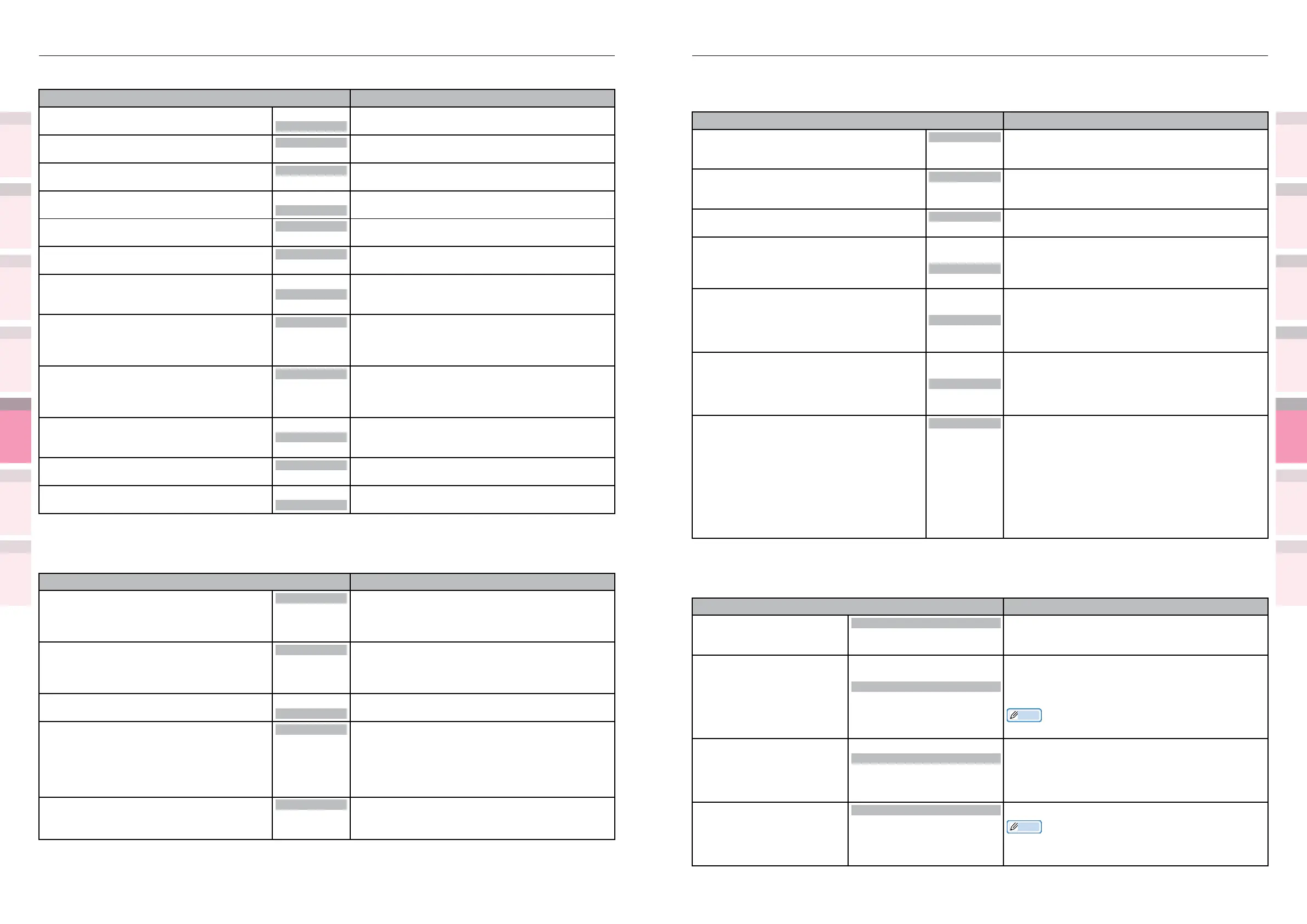
Table of setting items in the device setup screen Table of setting items in the device setup screen
1
2
3
5
4
1
2
3
5
4
Convenient print
functions
Appendix Index
Checking and
Changing Printer
Settings Using
the Control Panel
Network
Setup
Matching
Colors
Using Utility
Software
Convenient print
functions
Appendix Index
Checking and
Changing Printer
Settings Using
the Control Panel
Network
Setup
Matching
Colors
Using Utility
Software
Panel Setup
z
Shaded areas are factory-set values.
Item Details
Near Life Status Enable
Disable
Sets the panel display control when a near life
warning occurs for the image drum, fuser unit, or
belt.
Near Life LED
Enable
Disable
Sets the alarm lamp ON control when a near life
warning occurs for the toner, image drum, fuser
unit, belt, or waste toner box.
Idle Display
Toner Gauge
Paper Size
Sets the information displayed in the standby
screen.
Panel Brightness During Operating
5
to
31
Adjusts the brightness (backlight luminosity) of the
control panel LCD.
The set brightness is applied during control panel
operations.
Panel Brightness While Power Save
0
to
1
to
31
Adjusts the brightness (backlight luminosity) of the
control panel LCD.
The set brightness is applied after the panel
backlight timer time has eplased from the last
operation.
Panel Backlight Timer
10
to
30
to
300
Adjusts the time (s) from the last operation to
when the panel brightness (during power save) is
applied.
Front Lamp
Mode1
Mode2
Off
Sets the printer front lamp operations.
Mode1:
Lit when in standby mode, ashes slowly during
processing, and ashes rapidly when an error
occurs.
Mode2:
Lit when in standby mode, ashes slowly during
processing, and OFF when an error occurs.
Off:
Normally OFF.
Time Setup
z
Shaded areas are factory-set values.
Item Details
Date Format yyyy/mm/dd
mm/dd/yyyy
dd/mm/yyyy
Sets the date display mode.
Time Zone
-12:00
to
+0:00
to
+13:00
Sets the time difference from GMT in 15-minute
units. If the time zone setting is changed, the tome
differences before and after the change is reected
in the current time.
Memo
z
The factory default is set to +9.00.
Daylight Saving On
Off
Sets whether to display summertime.
On:
Advances the current time by 1 hour.
Off:
Turns back the current time by 1 hour.
Time Setting
2000/01/01 00 :00
to
2009/01/01 00 :00
to
2091/12/31 23 :59
Sets the time.
Memo
z
The factory default is to set the time.
z
Shaded areas are factory-set values.
Item Details
Letter O Style Enable
Disable
Species the style that replaces φ (9B)and ¥ (9D)
with φ (ou) and Φ (zero).
Zero Character
Normal
Slashed
Species the style of 0 (zero).
SLASHED: SLASH ZERO
Line Pitch
6 LPI
8 LPI
Sets line space.
White Page Skip
On
Off
Sets whether ejecting a blank sheet or not.
CR Function
CR
CR+LF
Sets performance when CR code is received.
Line Length
80 column
136 column
Species the number of characters per line.
Form Length
11 inch
11.7 inch
12 inch
Species the length of paper.
TOF Position
0.0 inch
0.1 inch
~
1.0 inch
Sets the position from the top edge of paper.
Left Margin
0.0 inch
0.1 inch
~
1.0 inch
Sets the amount to shift the horizontal print start
position to the right.
Fit to Letter
Enable
Disable
Sets the printing mode that can t print data,
equivalent to 11 inches (66 lines), in the LETTER-
size printable area.
Text Height
Same
Diff
Sets height of a character.
Continuous Paper Mode
On
Off
Sets to Landscape the edit direction of paper
supported by A3 printer.
Color Setup
z
Shaded areas are factory-set values.
Item Details
Ink Simulation Off
SWOP
ISO Coated
Japan
Sets the ink simulation. This setting is enabled only
for PS language jobs.
UCR
Low
Medium
High
You can select the black plate (black) amount
during color printing.
Setting more black plate economizes on the toner
of the other three colors.
CMY 100% Density
Enable
Disable
Enables and disables 100% output over the CMY
100% shade values.
CMYK Conversion
On
Off
If turned [Off], this is enabled to reduce the
print time if using large amounts of CMYK data
in the PostScript print data. However, the color
coordination of the print results will change.
Further, this menu setting is disabled if using the
ink simulation function.
Spot Color
*1
*1: Displayed with CS5000 only.
White
Clear
Displays the spot color information.
The setting is enabled after the printer is restarted.



 To Next Page