- 88 - - 89 -
Advanced print functions Advanced print functions
4
1
2
3
5
4
1
2
3
5
Convenient print
functions
Appendix Index
Checking and
Changing Printer
Settings Using
the Control Panel
Network
Setup
Matching
Colors
Using Utility
Software
Convenient print
functions
Appendix Index
Checking and
Changing Printer
Settings Using
the Control Panel
Network
Setup
Matching
Colors
Using Utility
Software
Using Windows PCL printer drivers
1
Open the le to be printed.
2
Select [Print] in the [File] menu.
3
Click [Advanced] (or [Preferences]).
4
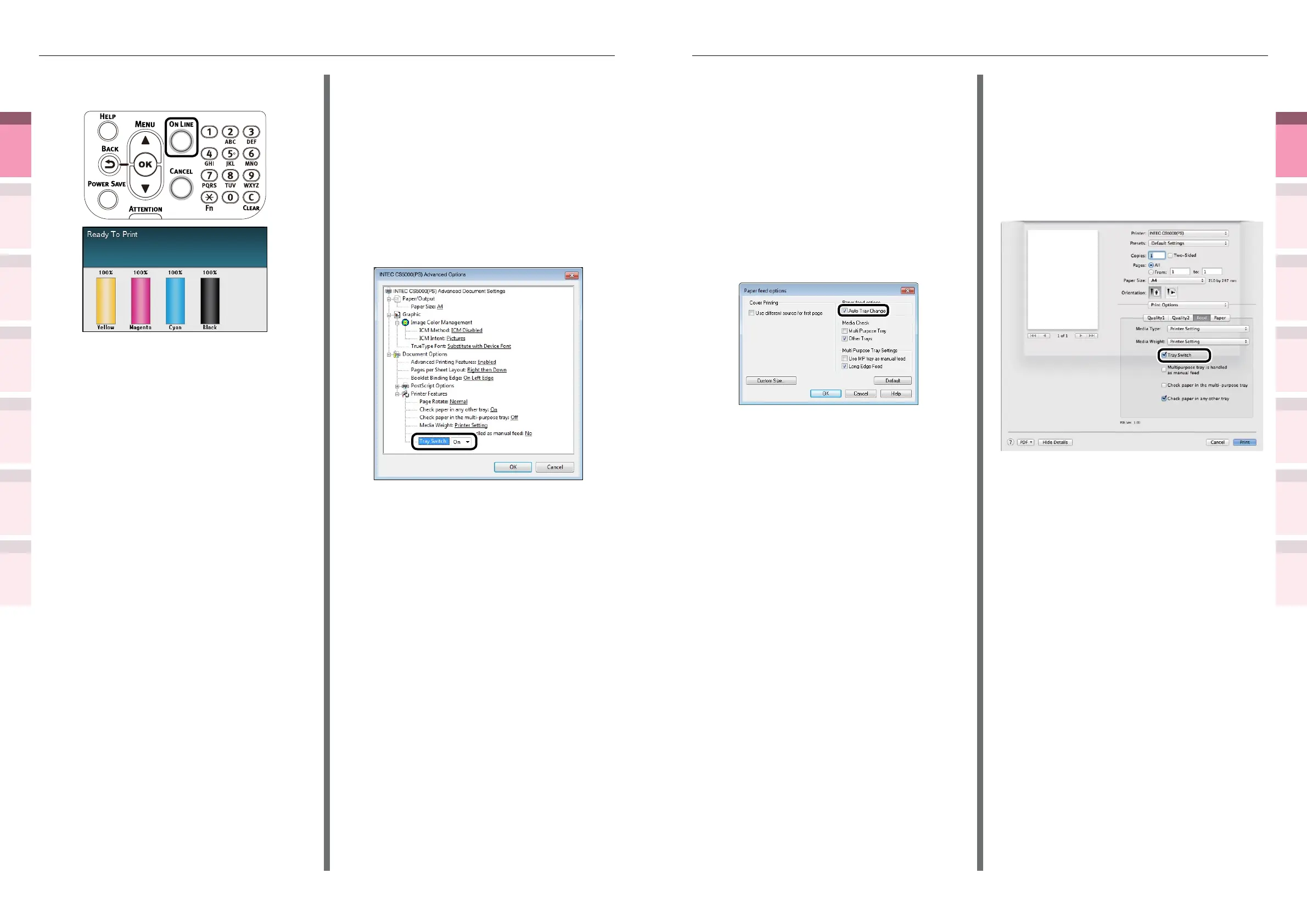
Click [Paper feed options] in the [Setup]
tab.
5
Enable [Auto Tray Change] in the [Paper
feed options] check box, and click [OK].
6
Printing will be implemented.
Using Mac OS X printer drivers
1
Open the le to be printed.
2
Select [Print] in the [File] menu.
3
Click the [Feed] button in the [Print
Options] panel, and enable the [Tray
Switch] check box.
4
Printing will be implemented.
(4)
Press the [ON LINE] button to
return to the standby screen.
2
Set [Auto Tray Switch] in the printer
overlay.
Using Windows PS printer drivers
1
Open the le to be printed.
2
Select [Print] in the [File] menu.
3
Click [Advanced] (or [Preferences]).
4
Click [Advanced Options] in the [Layout]
tab.
5
Select [On] in [Tray Switch].
6
Printing will be implemented.



 To Next Page