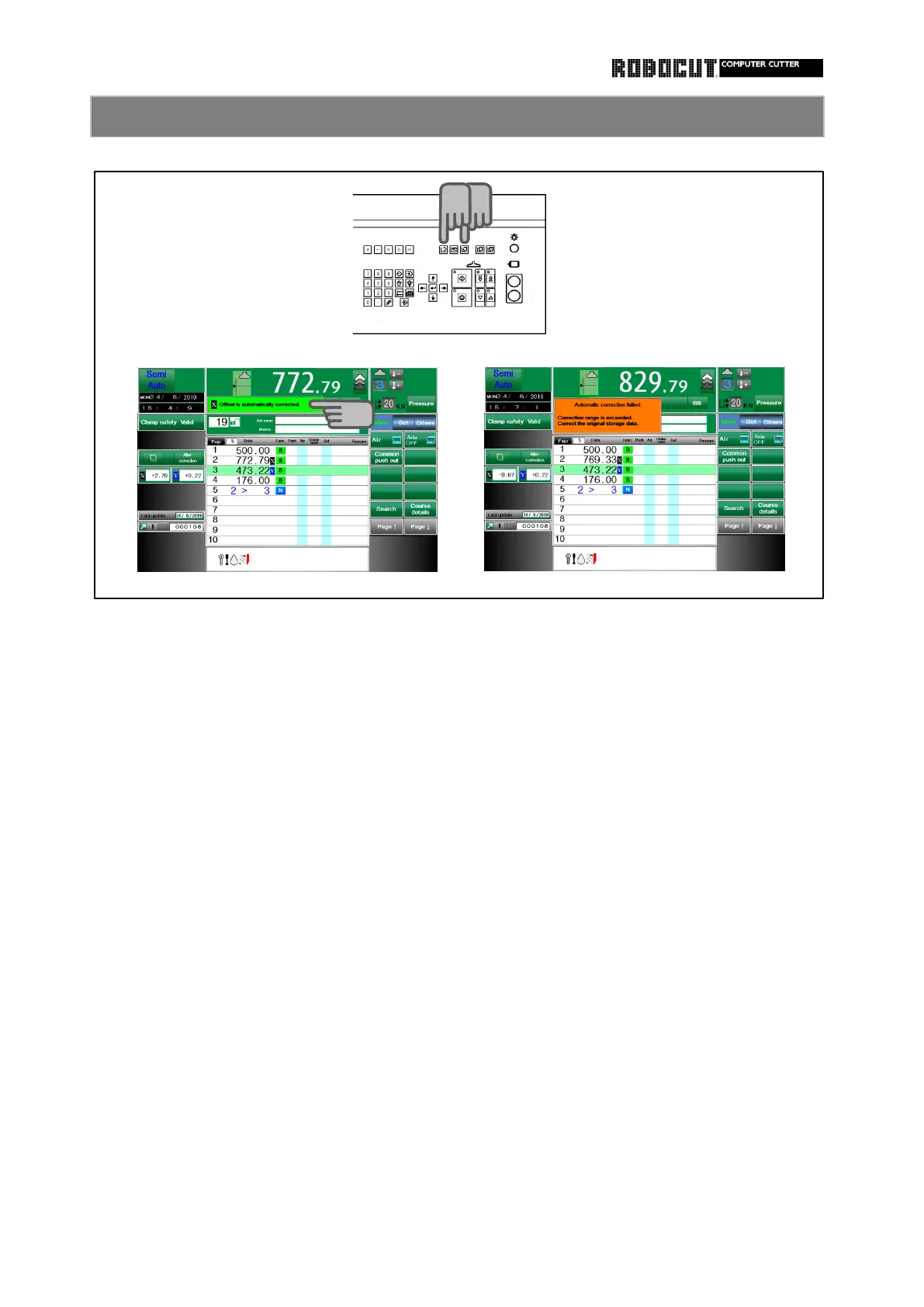
Swlest the mamory mode or automatic
◆
Offset exceeding the permissible offset
mode.
range may not be entered.
On the correction setting page, actually
◆
If cutting is executed with an excessive
set the paper. correction range, " Automatic correction
failed … " isdisplayed and the offset
Cutting does not change.
By cutting, set the difference memory
◆
In case of out of the range with a check
data and cutting size as the correction. mark placed at " Cutting can be made in
exact match only " at size agreement
If the offset has change as a result of detection ,cutting is impossible.
cutting, the top of the screen shows
" Offset is automatically corrected "
◆
If the print deviation correction function
in the function setting is " Not used "
with an offset attributed to the page,
the page with the offset is displayed in
the satae without correction. Because
the print deviation correction information
is left in the stored data, the origibal
stored offset is displayed if the print
deviation correction function is changed
to " Use " again.



 To Next Page