5
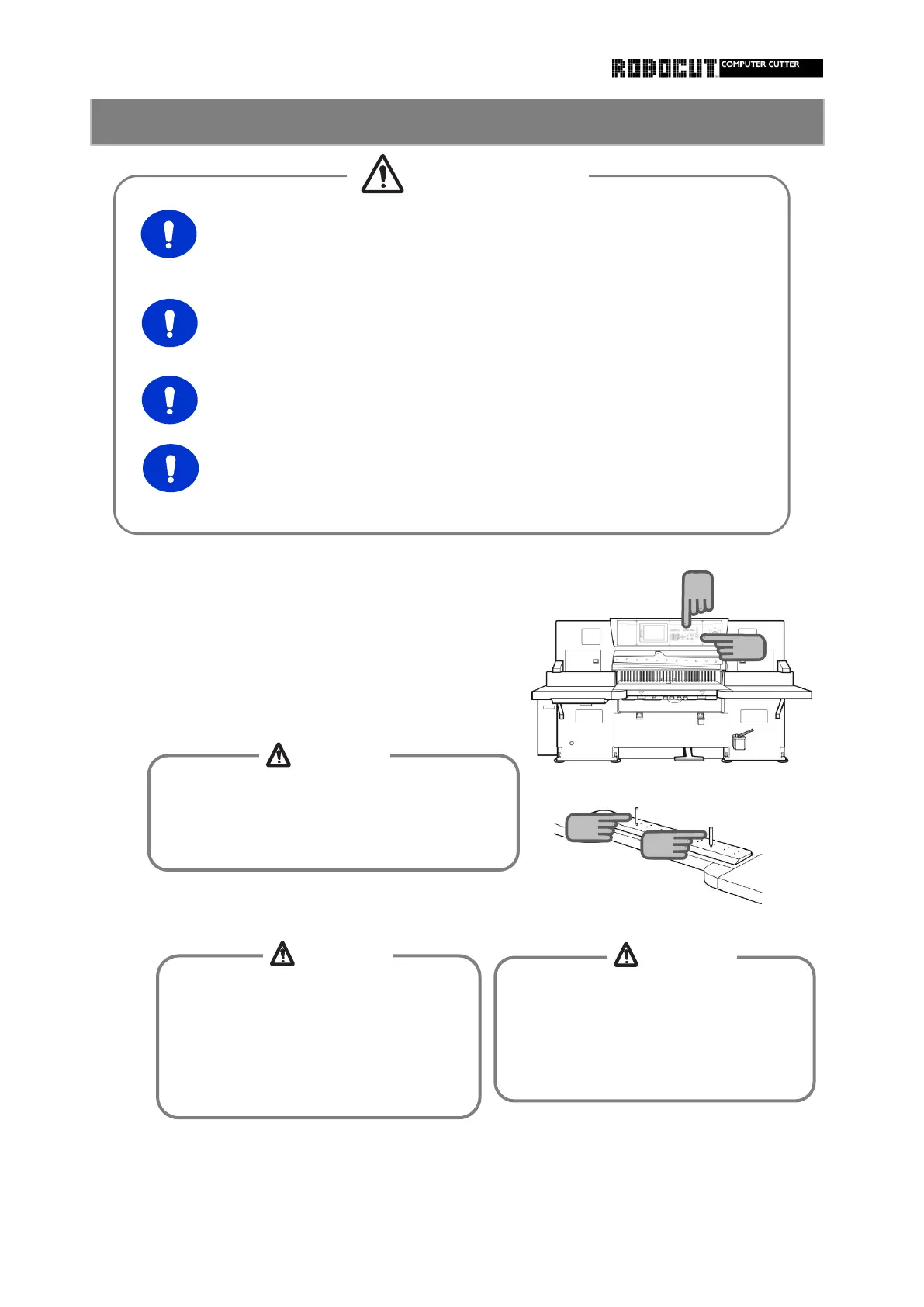
Set the manual mode.
Stop the main motor.
Place the knife on the leveling block with the
cutting edge facing you.
Install the knife handles.
Pull the knife on the leveling block with the
cutting edge facing you.
Move the backgauge to over 200mm position.
When housing or retrieving the knife
in/outof the storage box, use the knife
handle and keep away from the cutting
edge.
Otherwise injuries will be caused with
When placing the knife on the surface
plate, do not allow the cutting edge
Protruding from the surface plate.
Otherwise injuries will be caused with
the cutting edge.
How to install the knife (Knife lifter) 1
When removing or installing the holder or hanle
from/to the knife, be careful of the cutting
edge of the knife.
Otherwise injuries will be caused.
1
4
4
CAUTION
CAUTION
CAUTION
CAUTION
Remove stacked paper or the like from the surface plate. Otherwise
stacked paper will push out the knife holder or the like during erro
neous backgauge advance in knife change work.
knife change to those who have undergone special training
course and observe instruction given in the instruction manual.
Otherwise injuries will be caused.
approach of athird party near the machine during knife
change or height adjustment work. Otherwisw injuries will be caused.
To install or remove the knife, prepare necessary tools in advance
and follow the predetermined procedure and be deliberate



 To Next Page