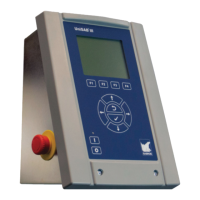
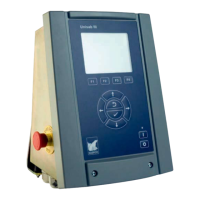
Unisab III/Unisab II
In case of communication connections between Unisab III units
and/or Unisab II units end termination must be used.
In Unisab III set termination switch S1=On.
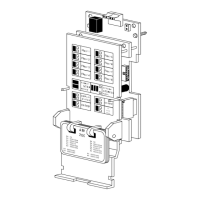
In Unisab II connect end termination block.
9 11 13 1210 14
-- Tx D1
-- Rx D1
X11
9 11 13 1210 14
-- Tx D1
-- Rx D1
X11
63 64 65 66
-- Tx DL 12
-- Rx DL 13
63 64 65 66
-- Tx DL 12
-- Rx DL 13
9 10 7
-- Tx D1
-- Rx D1
X11
9 10 7
-- Tx D1
-- Rx D1
X11
S1=on
S1=off
S1=off
S1=on
termination block
termination block
Unisab III Unisab III
Unisab III
Unisab III
Unisab II
Unisab II
LED colours
Tx D1 = red
Rx D1 = green
Unisab III print cassette rev. E +
Unisab III print cassette rev. D
LED colours
Tx DL 12 = red
Rx DL 13 = green
Fig. 40: RS485/Danbuss connection
Unisab III uses Danbuss for Multisab sequencing between Unisab III or Unisab II (up to 14
units). This means that you can connect a Unisab III unit into an existing Unisab II Danbuss
network and make the Unisab III run with the previously installed Unisab II, see Fig. 41.
Unisab III/Unisab II
SCADA data
Ethernet
RS2LAN
Gateway
Unisab II no. 1 Unisab II no. 2 Unisab II no. 3
Unisab III no. 4
Unisab III no. 5
RS485/Danbuss
Sequence link
Fig. 41: Danbuss set-up
From a Unisab II unit it is also possible to read SCADA data (i.e. compressor running informa-
tion, configuration, set point, limits, timers etc) from a Unisab III through Danbuss and an
RS2LAN gateway, see Fig. 41.
Unisab III (boot) and communication set-up
Engineering manual - Unisab III 1.10
001930 en 2014.09
265/319



 To Next Page
 Loading...